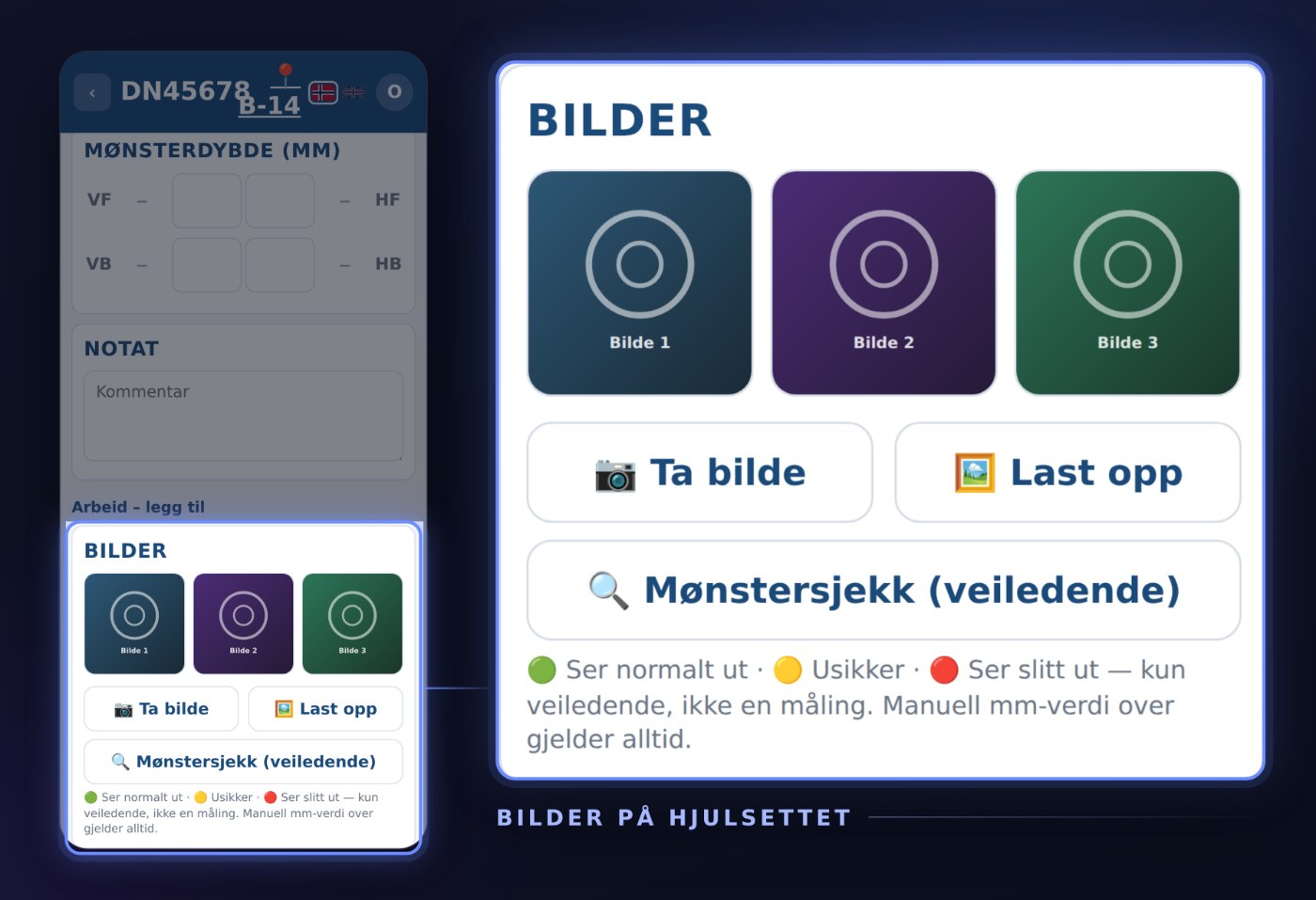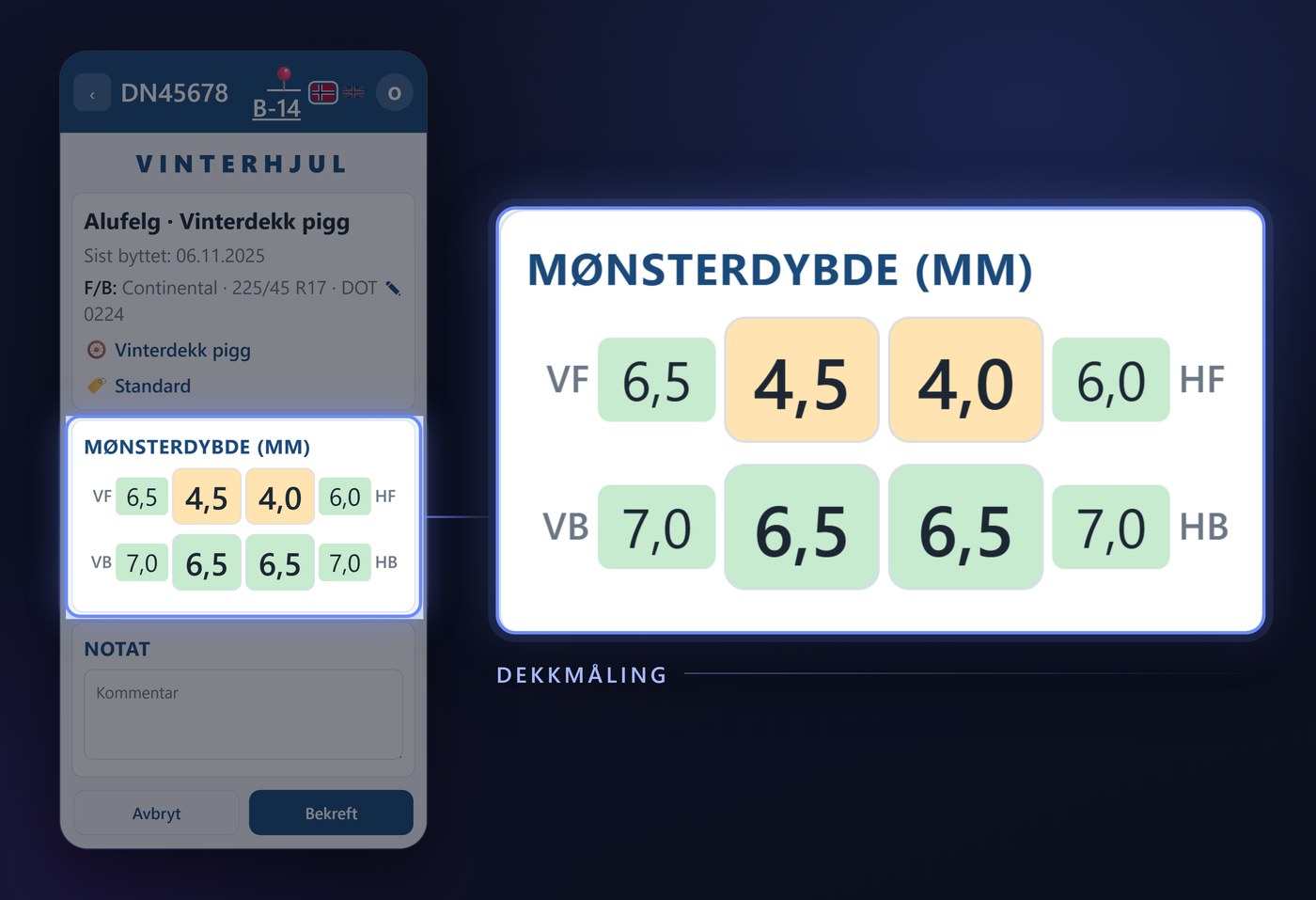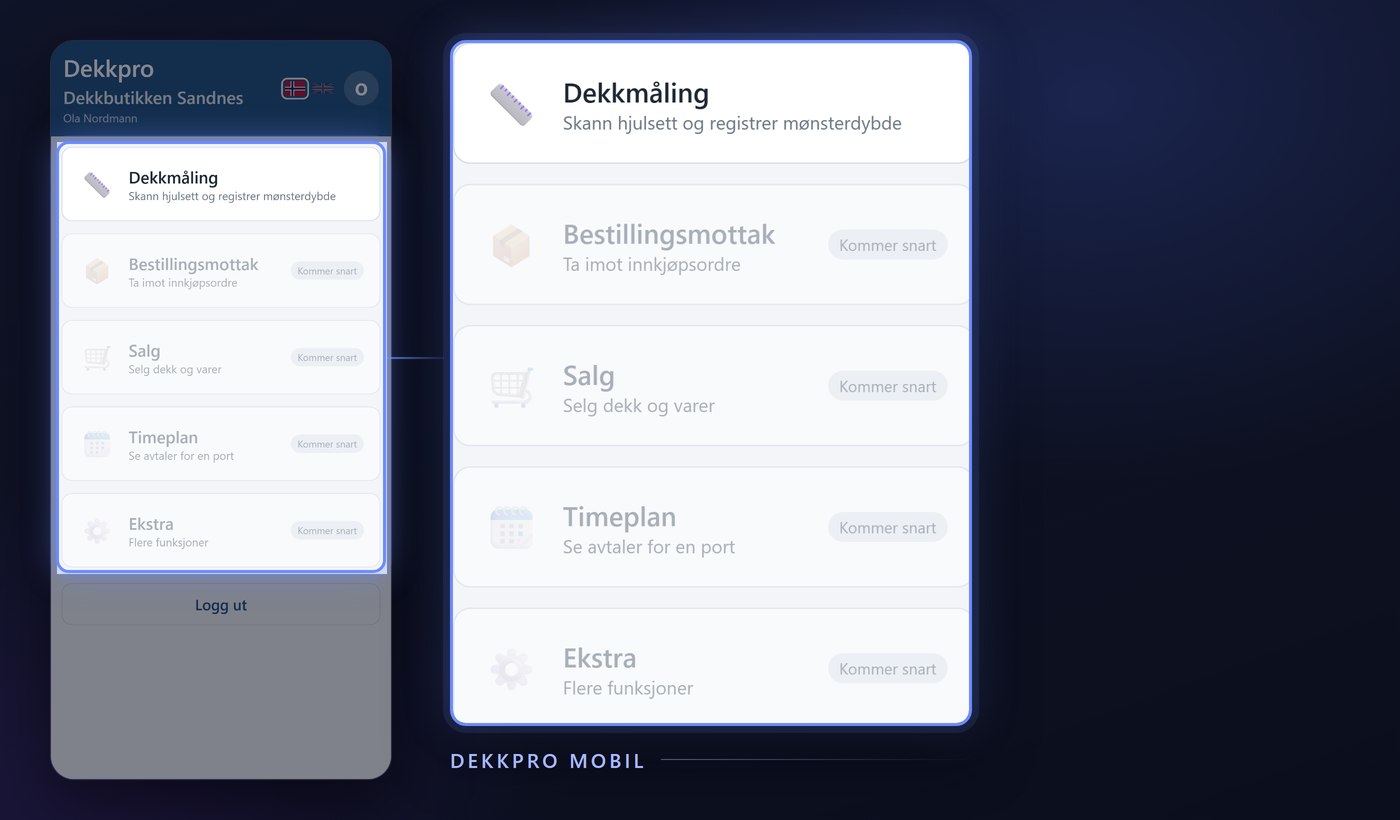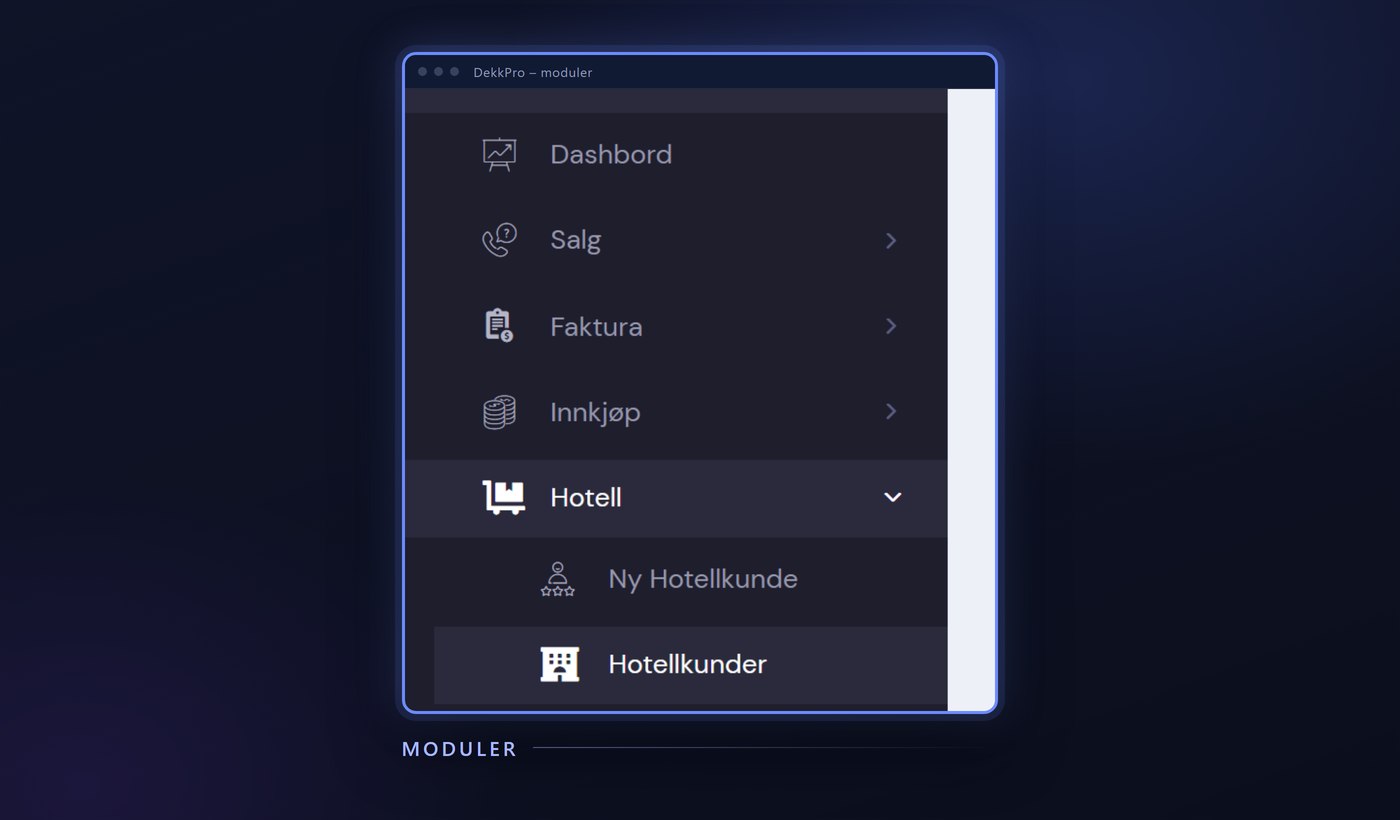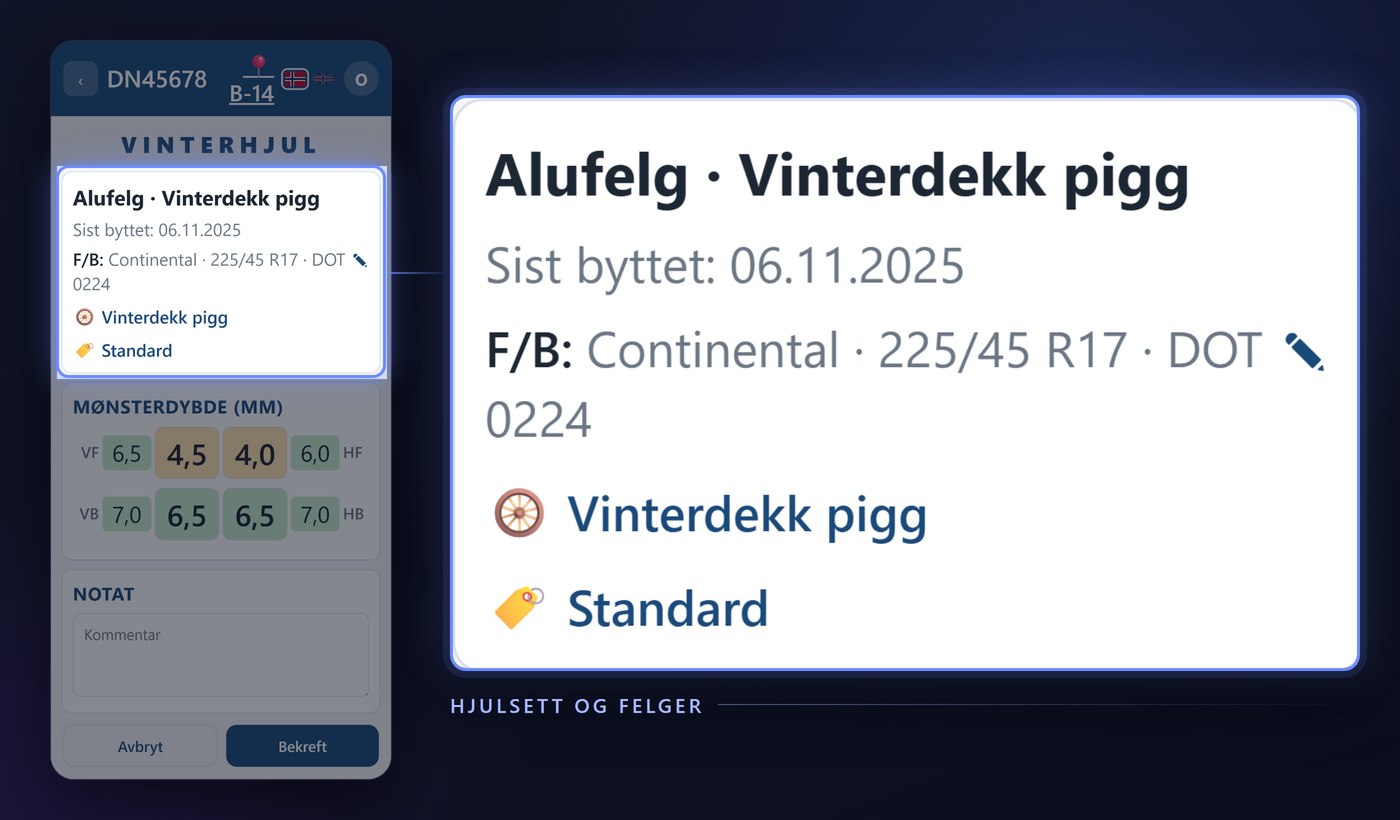
Finishing the tire hotel job is about more than the measurement itself. Work, storage location and hotel category in Dekkpro Mobil let the technician handle the rest right at the rack: log what was done, set where the set is stored and which category it belongs to – without walking over to a PC. Here is what the features do.
Log the work
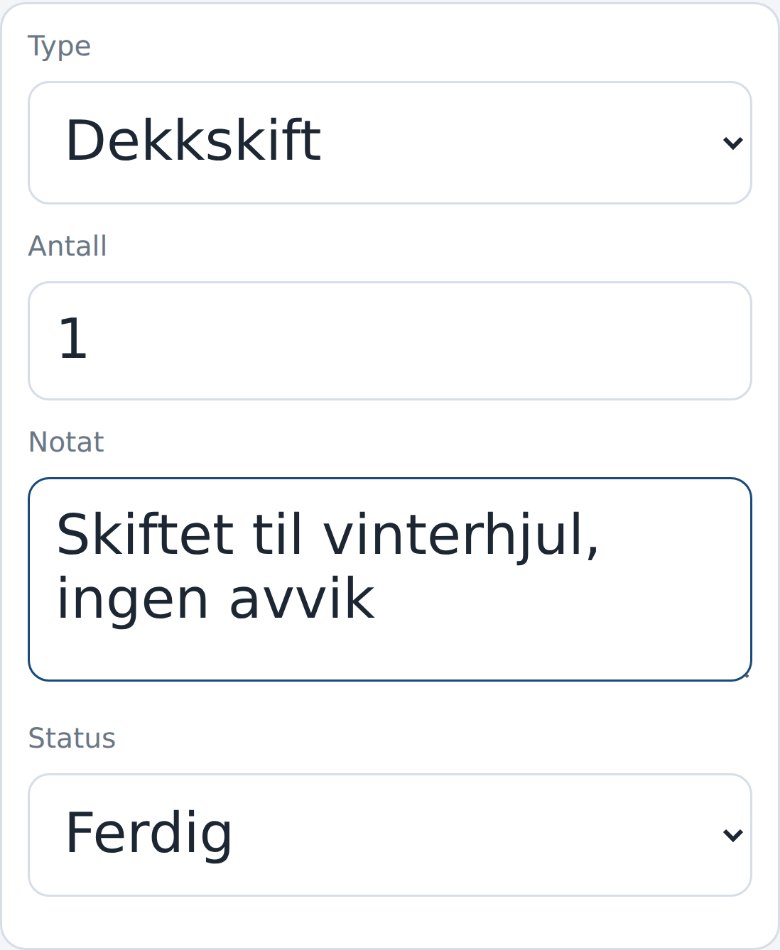
The wheelset page has a Work card. Tap + New work, pick a Type from the shop's own list – tire change or balancing, say – enter a Quantity, write a Note if anything is worth mentioning, and pick a Status. You don't need to think about the date: it's set automatically to now when the work is saved.
The whole work list on the wheelset
The work lands straight in the table on the wheelset page, with Date, Type, Quantity, Note and Status visible to anyone who opens the set afterwards. Something wrong – the wrong quantity, a changed status – just tap the row and fix it in the same place.
A storage location you can search
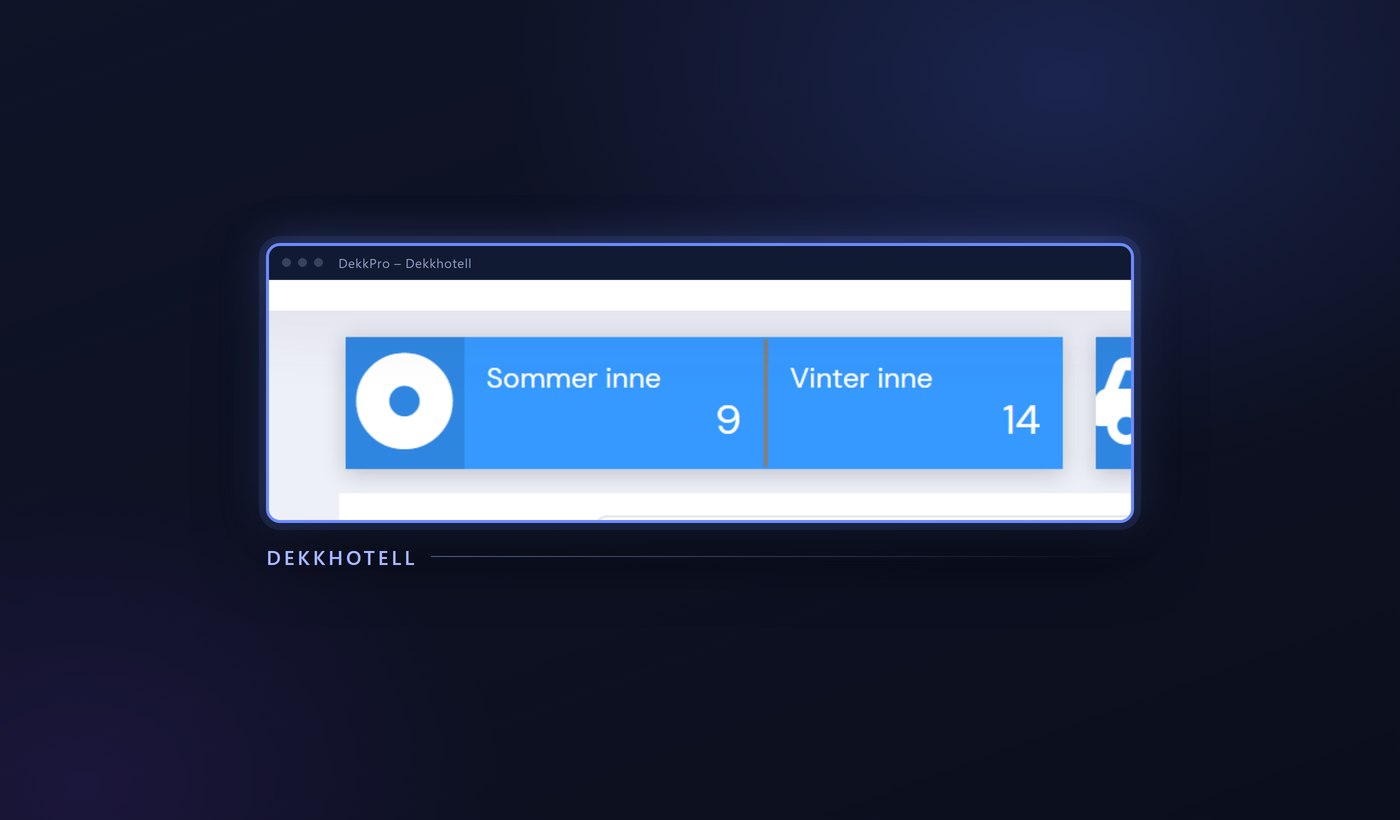
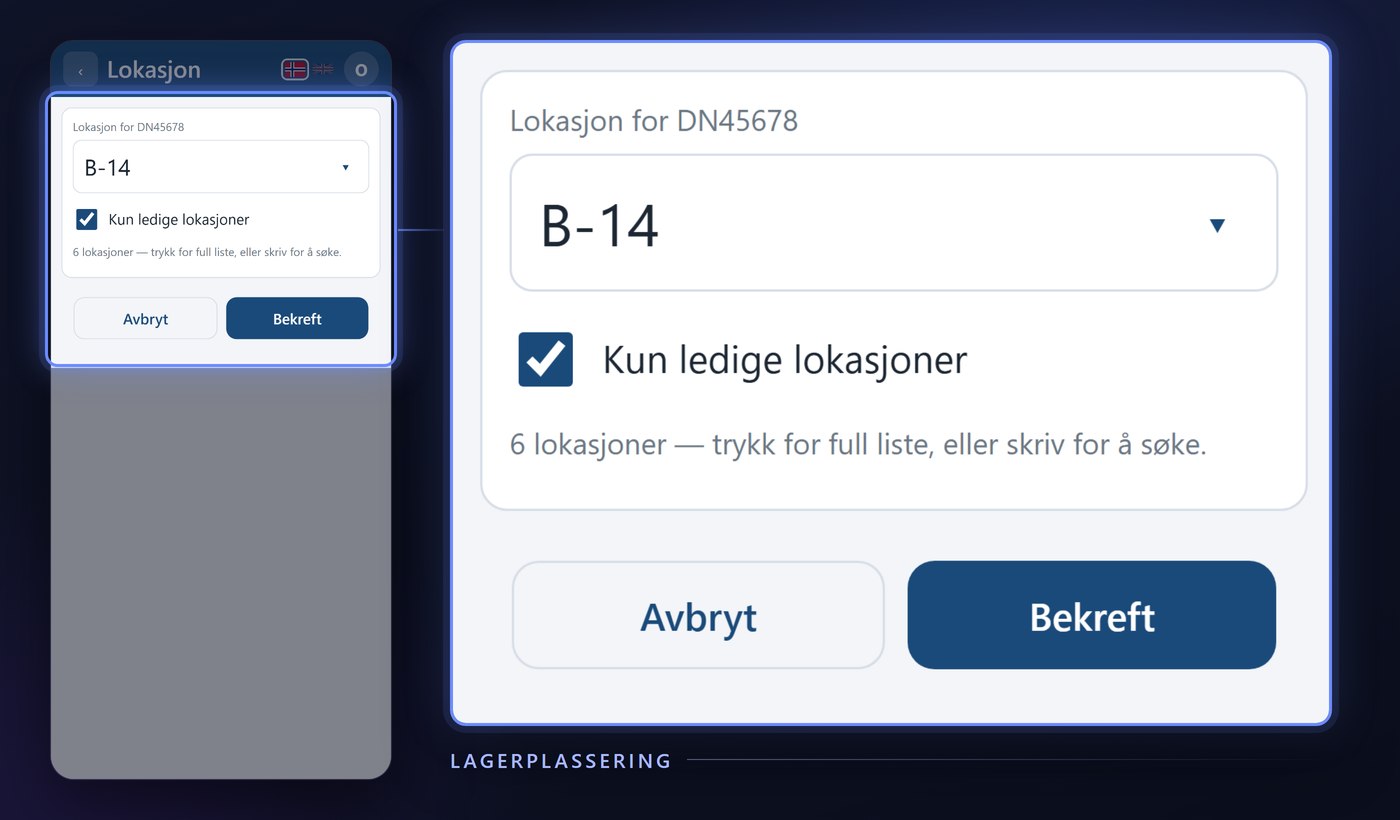
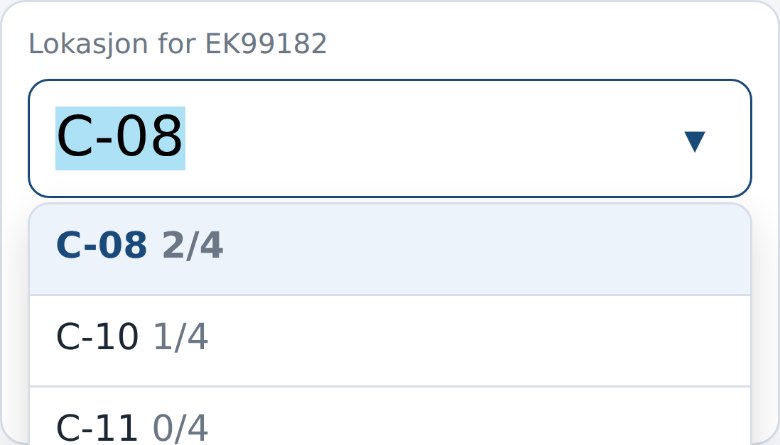
The location sits at the top of the wheelset page, next to the registration number. Tap it and a searchable list of the shop's own tire hotel spots opens – type to narrow it down, or scroll the whole list. Only free locations filters out spots that are already full, and for locations with a set limit you see how many sets are already stored there. Pick the right shelf and confirm, and the set can be found again next season.
Hotel category
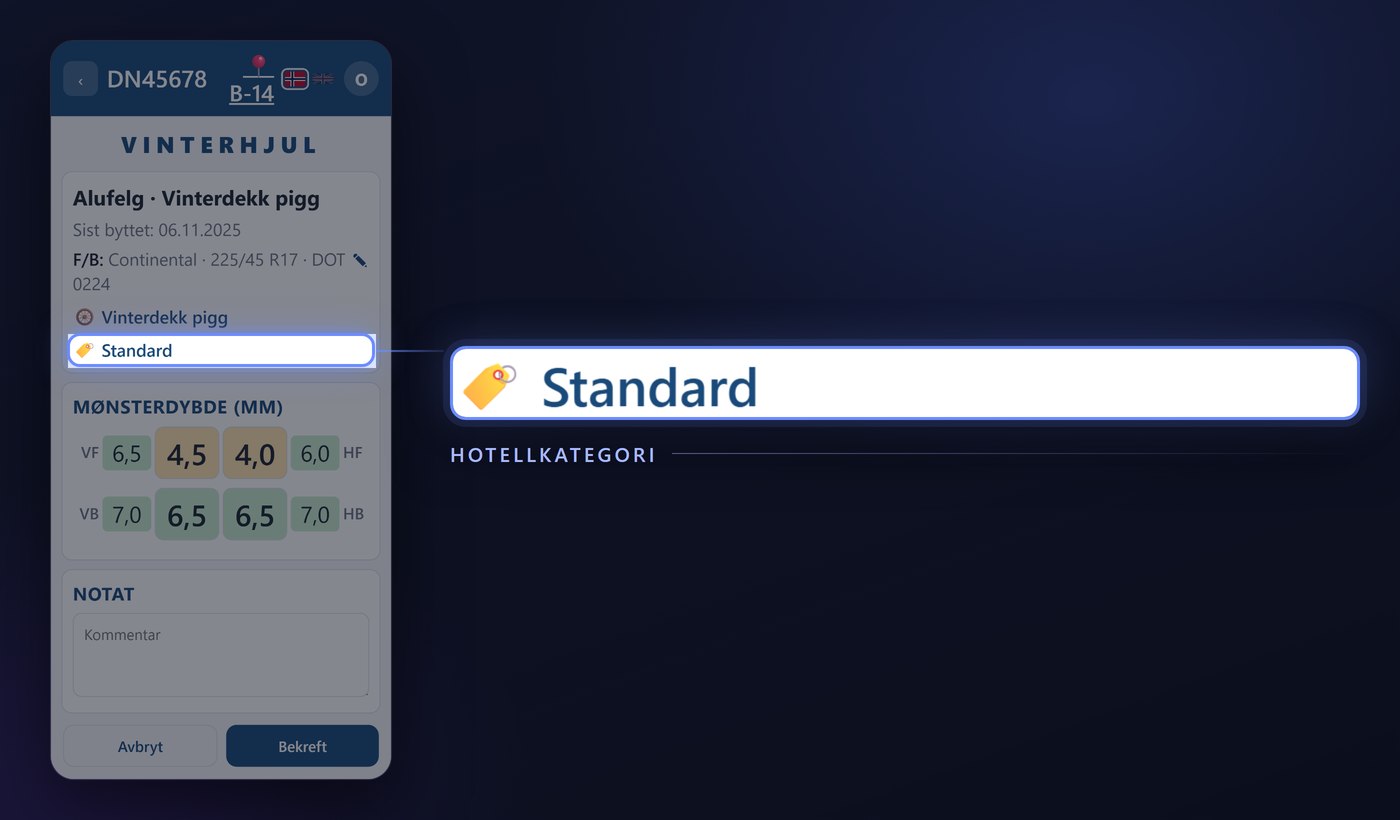
Hotel category is set right below tire type on the same page. The list only shows the categories the shop actually uses, so you pick from a short, relevant set instead of hunting through everything the system has.
Bolts, caps, TPMS and nitrogen
Just above the work list sits Wheelset options: checkboxes the shop has named itself, typically Bolts, Caps, TPMS and Nitrogen. Each box saves the moment it's ticked or cleared – no separate save button, and nothing to remember afterwards.
Straight into DekkPro
Work, location, hotel category and options don't wait for the next sync. Everything shows up on the wheelset in DekkPro right away – the same fields staff see when they open the set on the shop's screen.
Work, storage location and hotel category are part of Dekkpro Mobil. Read the introduction to Dekkpro Mobil, or see pricing and book a demo.