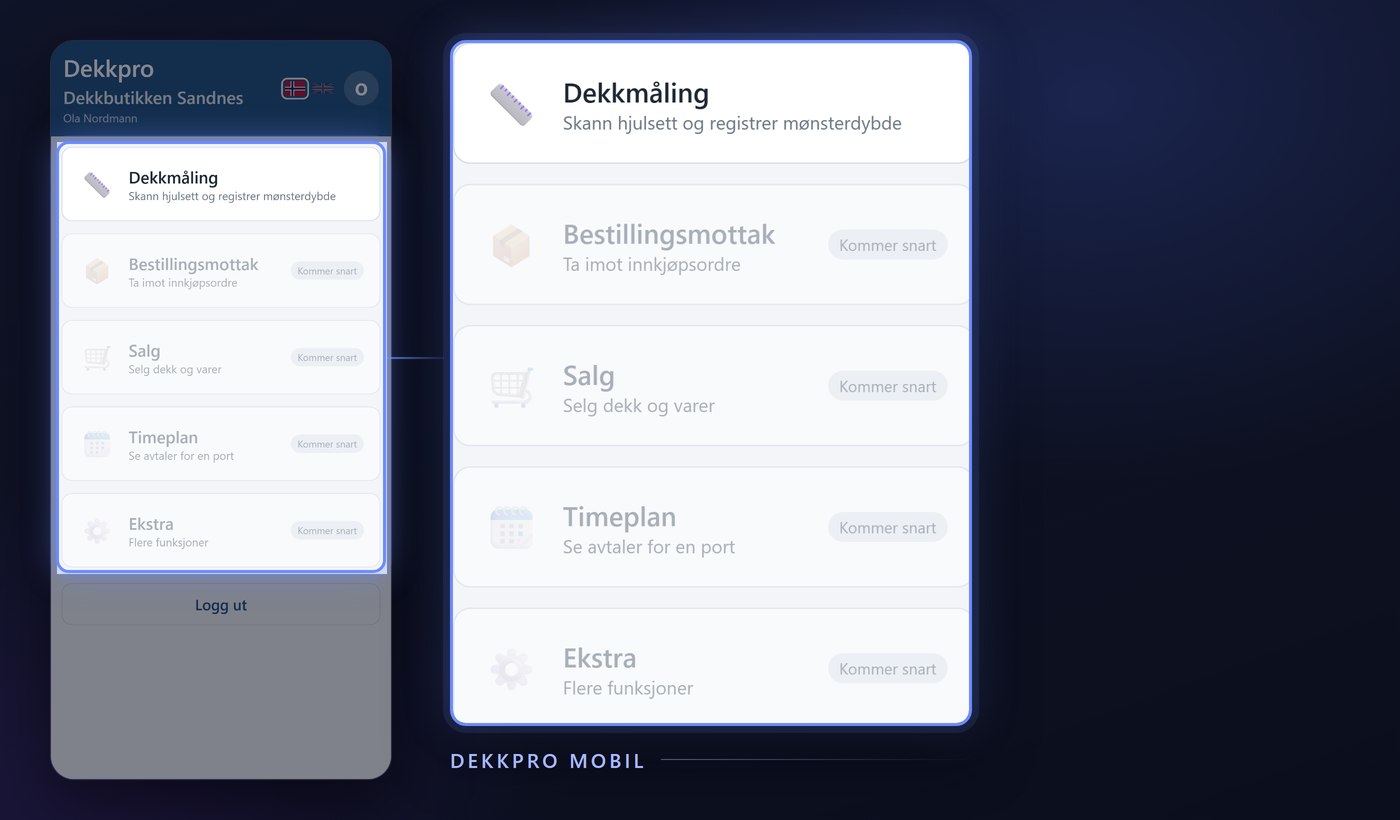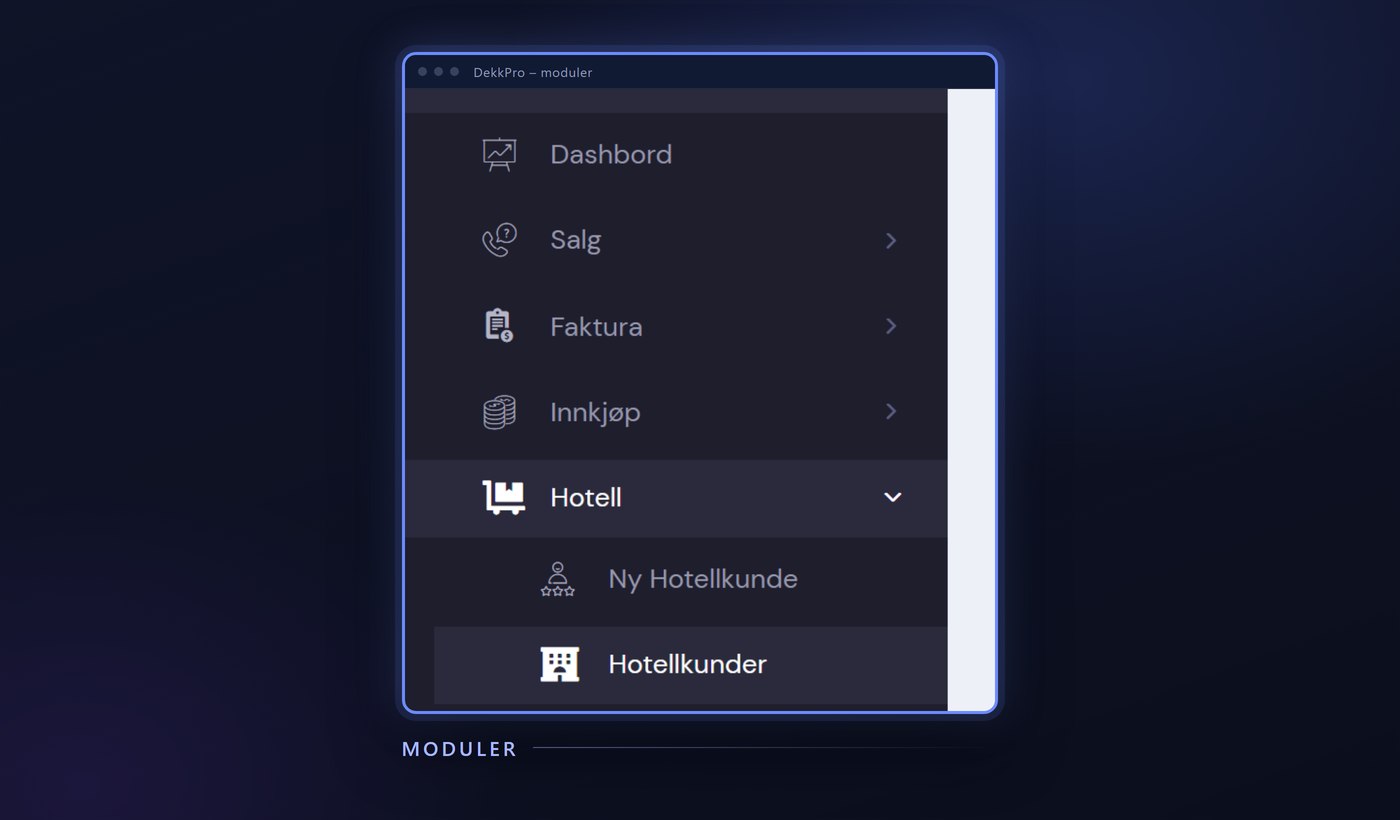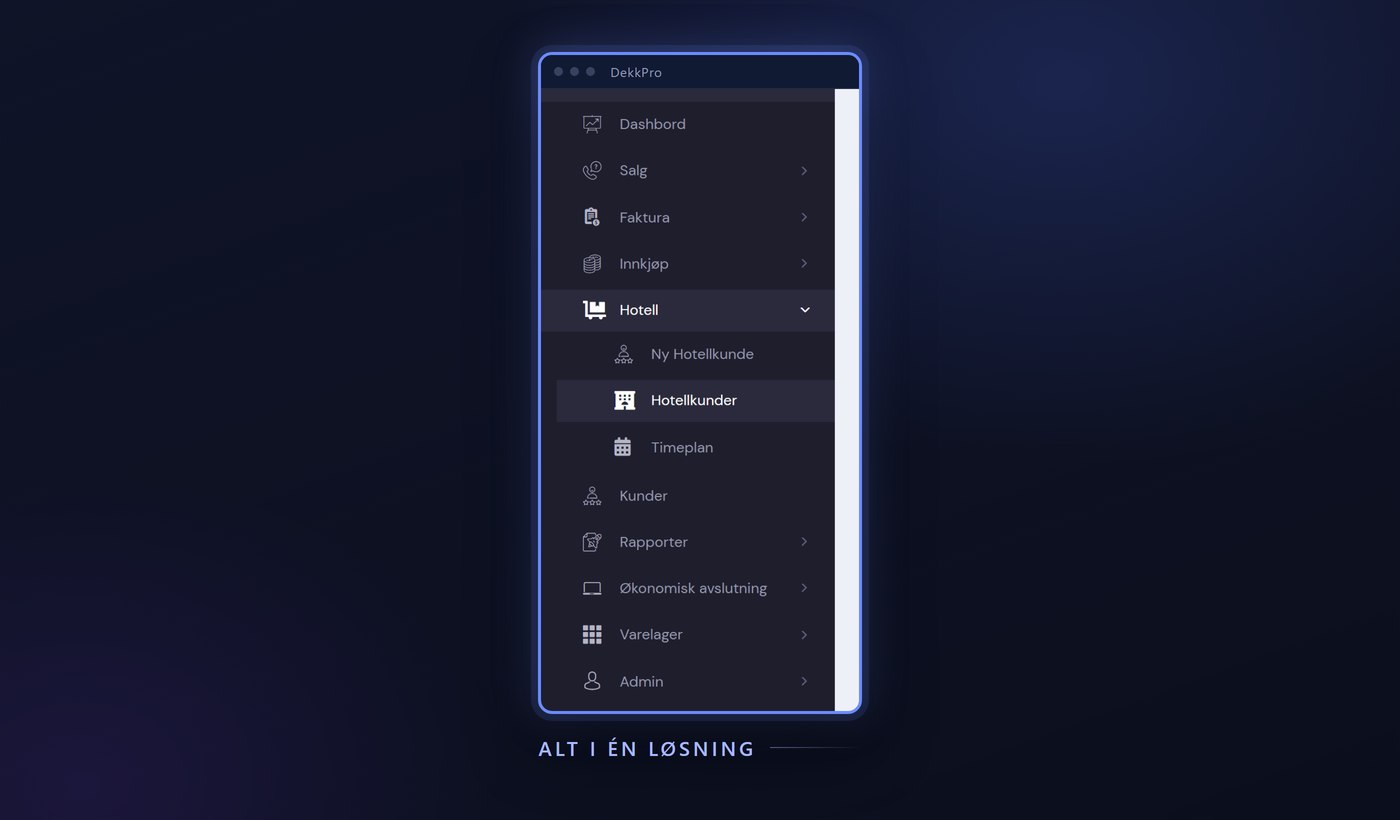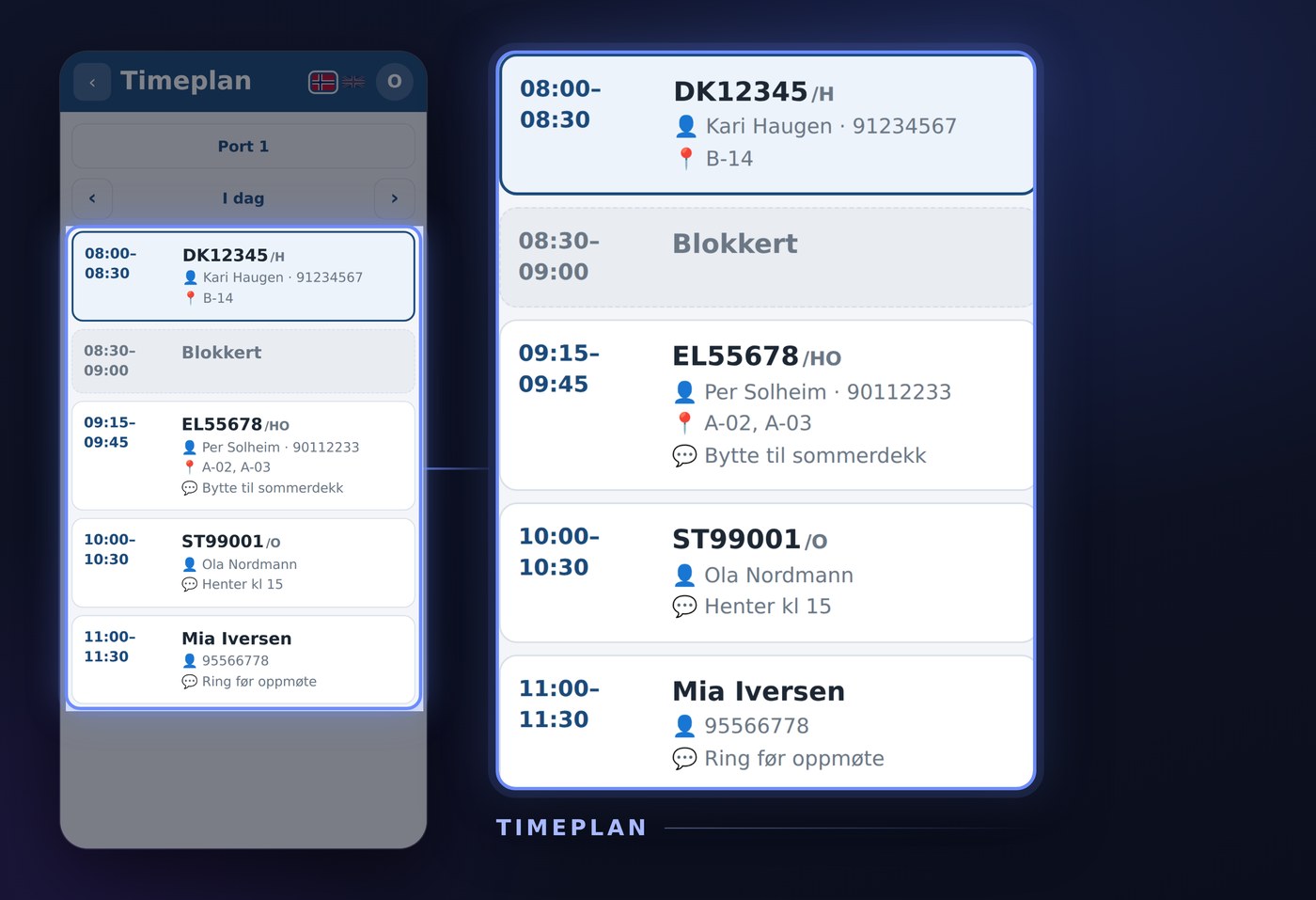
Checking the schedule used to mean walking over to the PC in the store. Schedule in Dekkpro Mobil puts the same overview in your pocket: pick the bay you're working at, see the day's appointments in order, and move back and forth in time – without leaving the rack. Here is what the feature does.
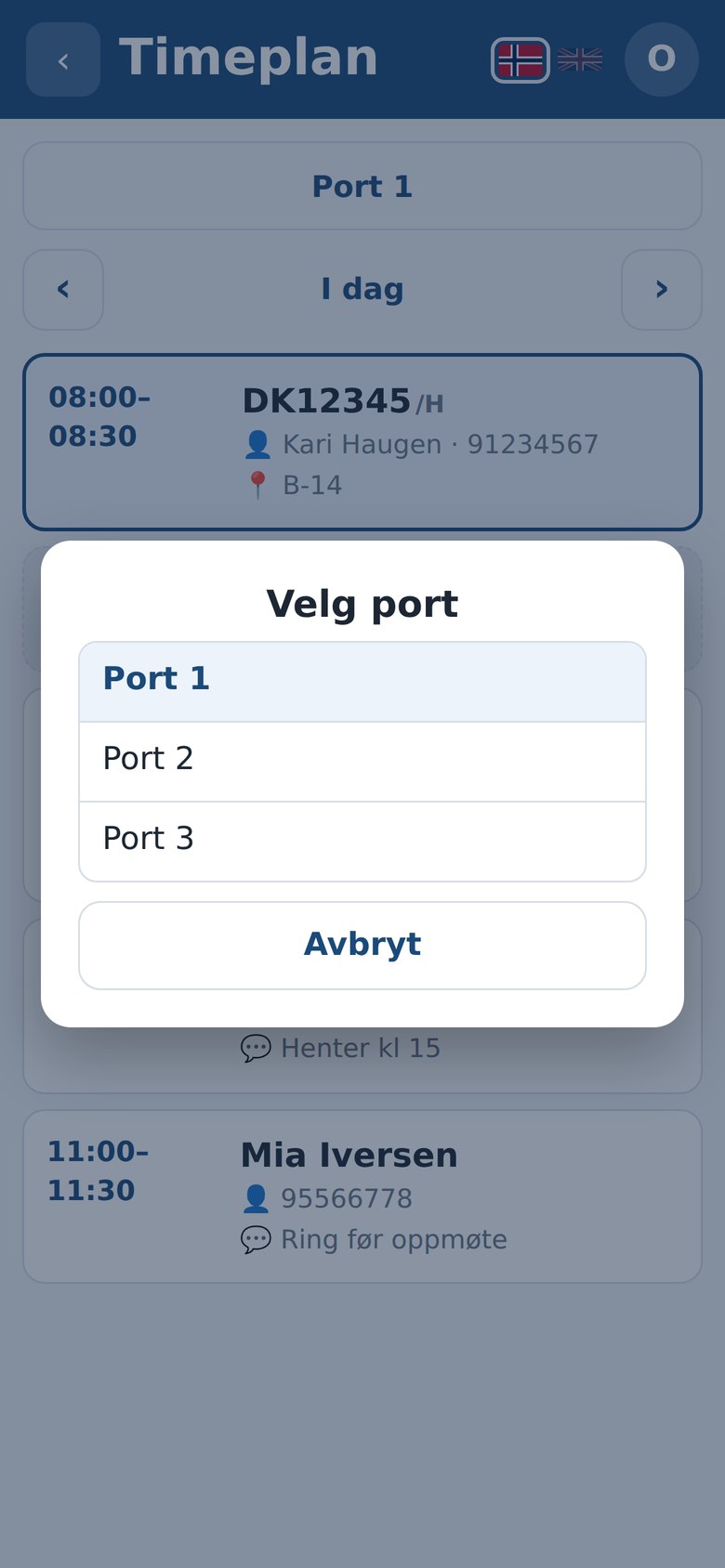
Pick the bay you're working at
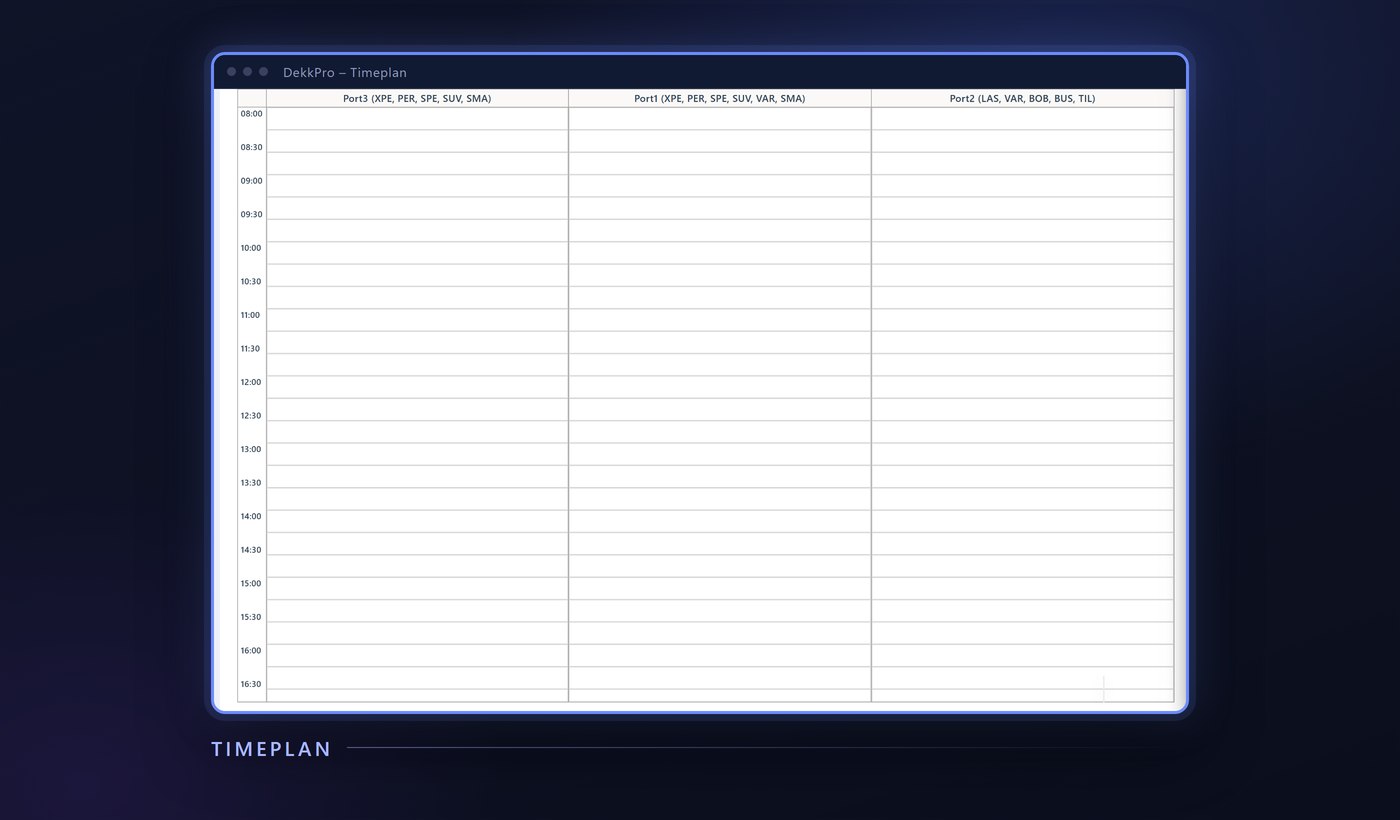
If the store has more than one bay or rack, you choose which schedule to view at the top of the screen. Switch bays during the day, and the rest of the screen updates with that bay's appointments right away.
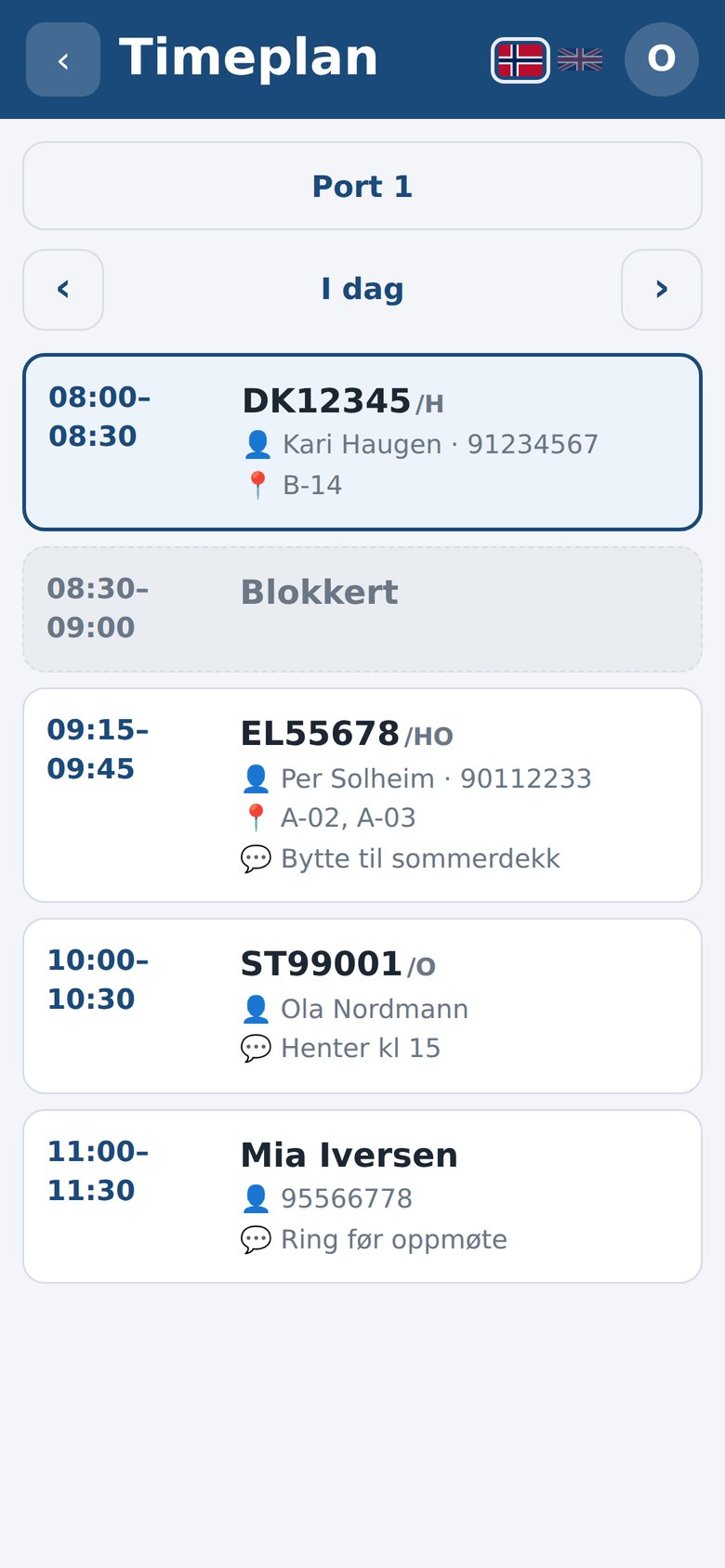
The day's appointments, in order
Below the bay picker sit the appointments for the selected day, sorted by time. Each appointment shows the time slot, the car's plate and who the customer is, so you know who's coming and what needs doing without hunting for it. A time that's taken without a specific car – a blocked stretch in the schedule – shows up too, so the gaps in the day are just as visible as the appointments.
Straight to the wheelset with one tap
If an appointment has a plate attached, tapping the row takes you straight to that wheelset – ready for tread measurement or the other steps in the check-in. No need to type the plate in again just because the car was already listed on the schedule.
Move between days
The arrows next to the date switch to the previous or next day, so you can check tomorrow morning before heading home, or look back at a day that's done. Today's date is always clearly marked, so you can see at a glance whether you're on “Today” or have paged further ahead.
The same schedule as in DekkPro
Schedule in the app shows the exact same schedule the store already plans around in DekkPro – not a separate list just for mobile. Change something on the screen in the store, and it shows up on the phone right away, and the other way around. That means you can stand at the rack and see what car is next, instead of walking back to a PC to check.
Schedule is part of Dekkpro Mobil. Read the introduction to Dekkpro Mobil, or see pricing and book a demo.