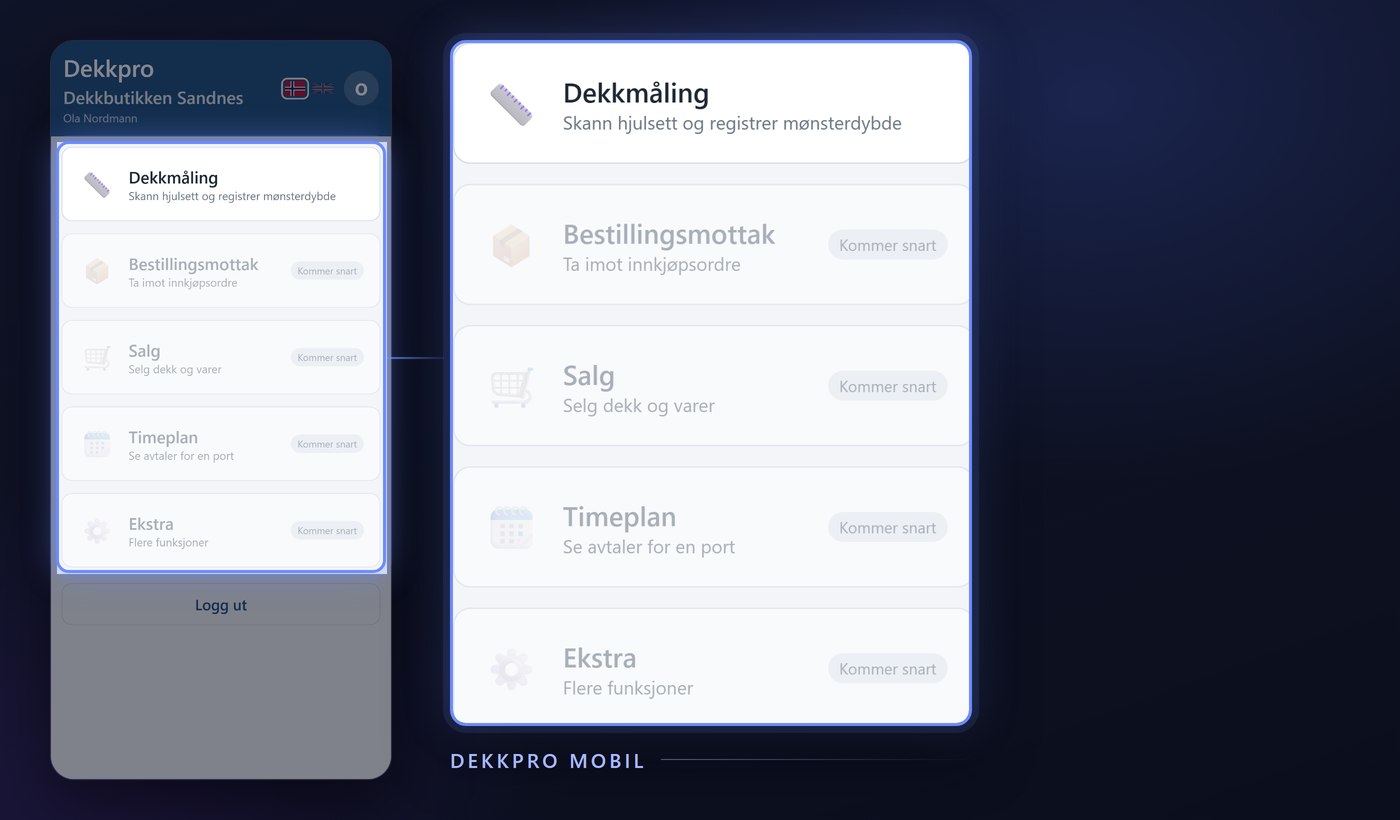
Setting up a sale from the workshop floor or the tire hotel used to mean a trip to the PC. Sales in Dekkpro Mobil lets the technician do the whole job on the phone: find the customer, search for the items, build the order line by line – and send it straight into DekkPro. Here is what the feature does.
Find the customer
A new order starts with a customer search. Type a name, customer number or mobile number, and matches appear as you type. Pick the right customer with a single tap, and the rest of the order – product search, cart, saving – stays tied to that customer until you finish or cancel.
Search the whole product range
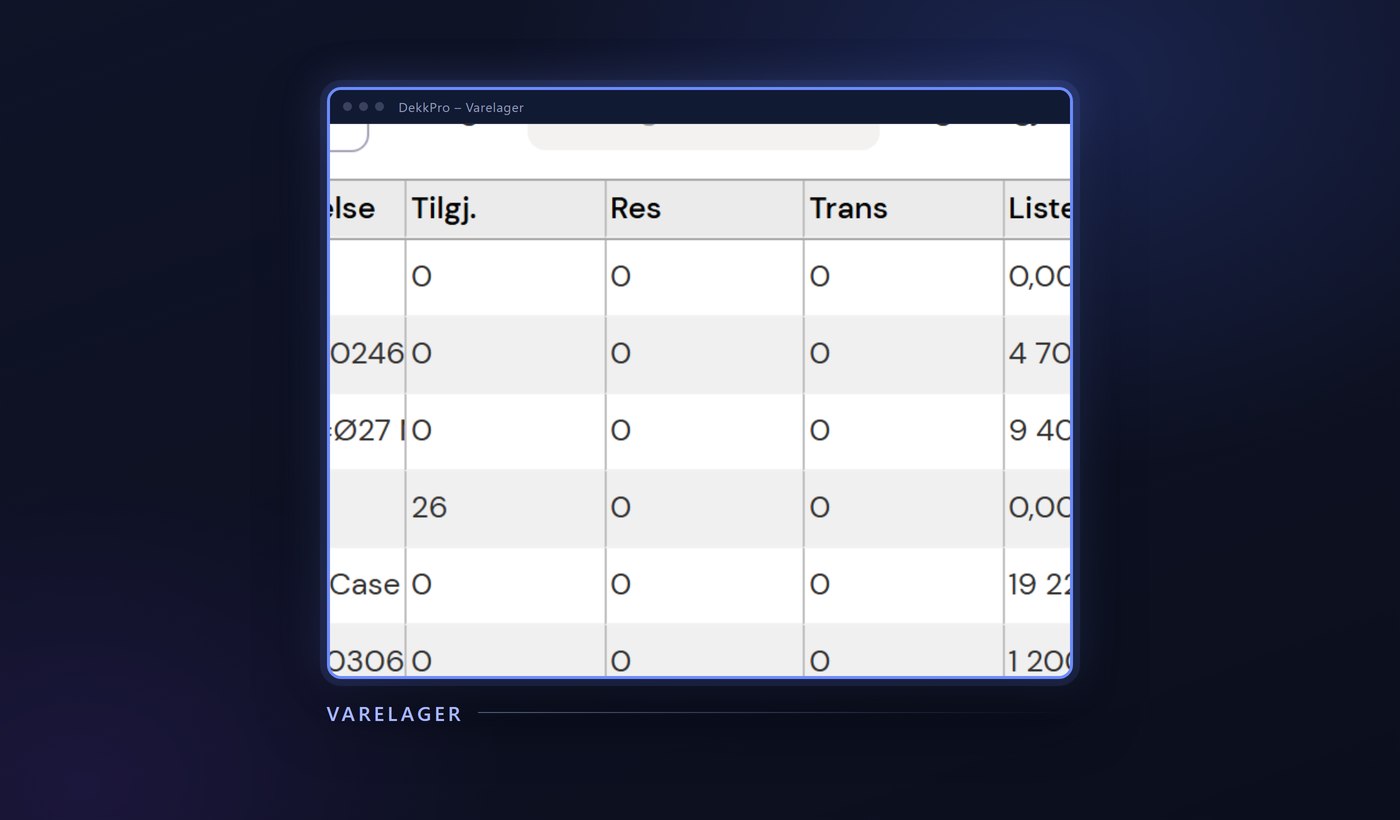
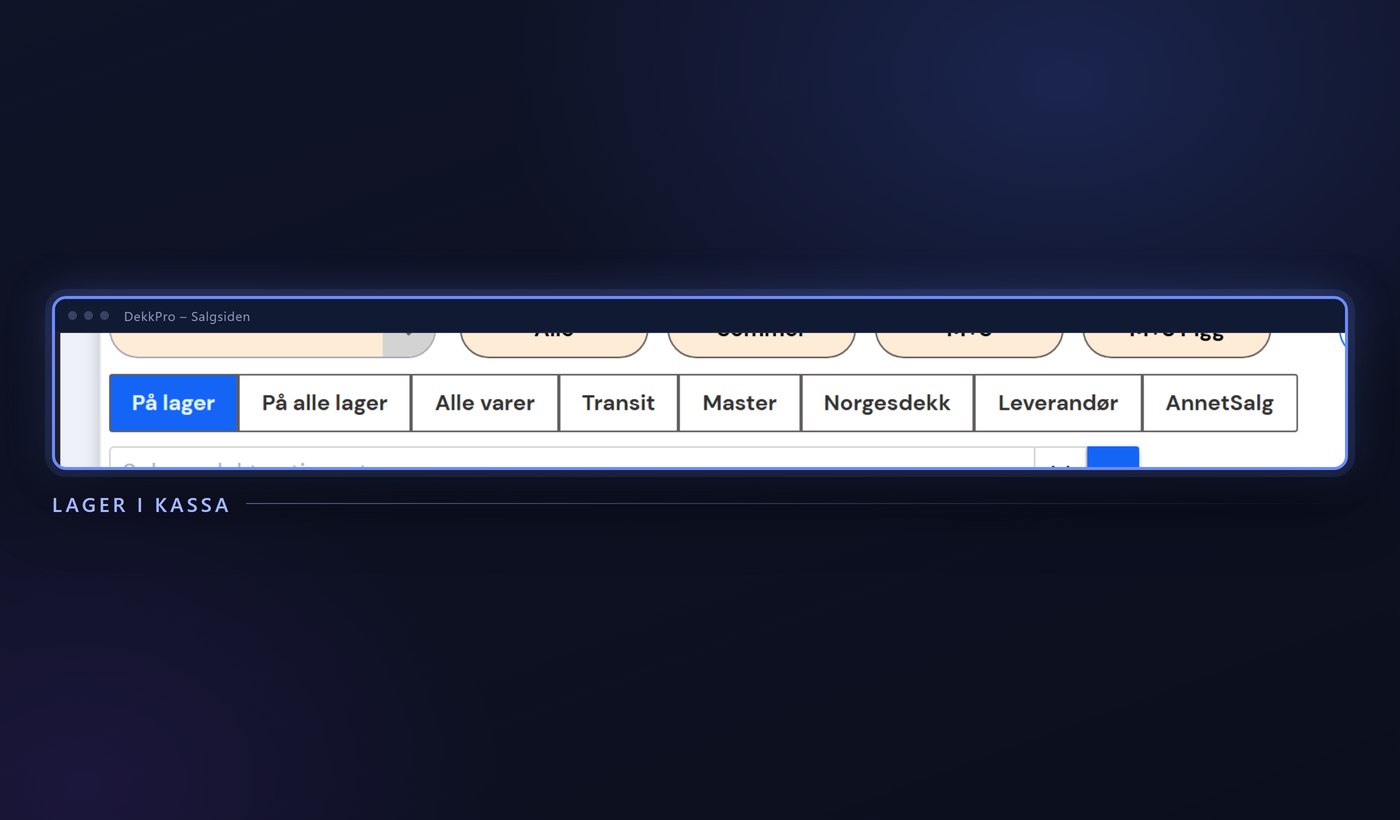
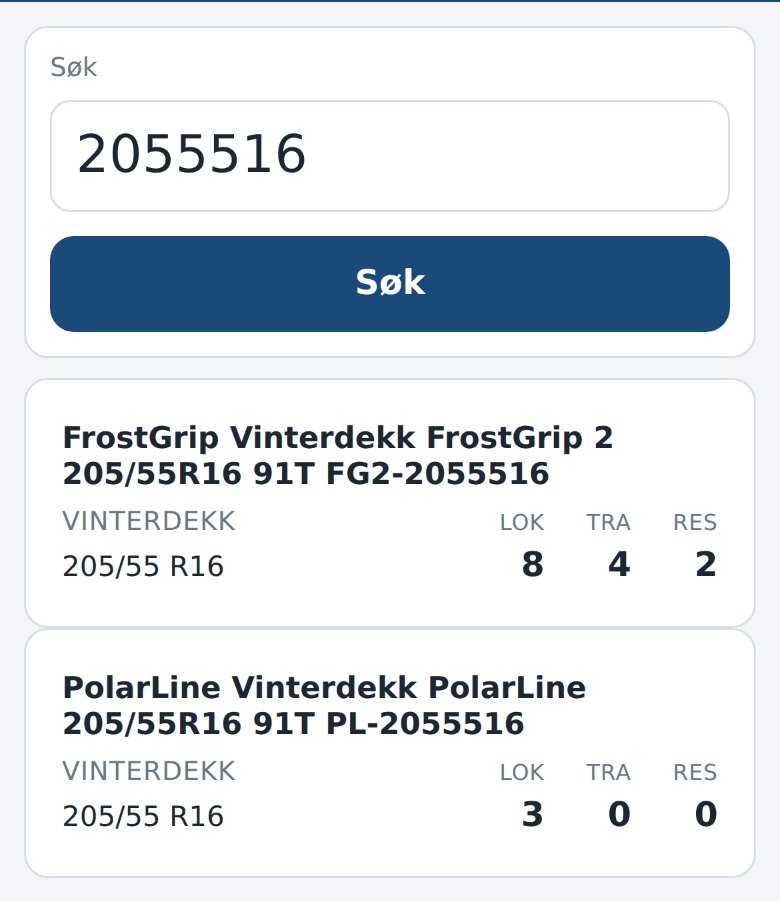
Product search takes free text and dimension in the same field – type, for example, 2055516 Bridge Bliz, and the app splits out width, profile and rim diameter from the brand and product name itself. Every match shows local stock, what's in transit, and what's already reserved, side by side, so you know right away whether the item is actually available.
Build the order line by line
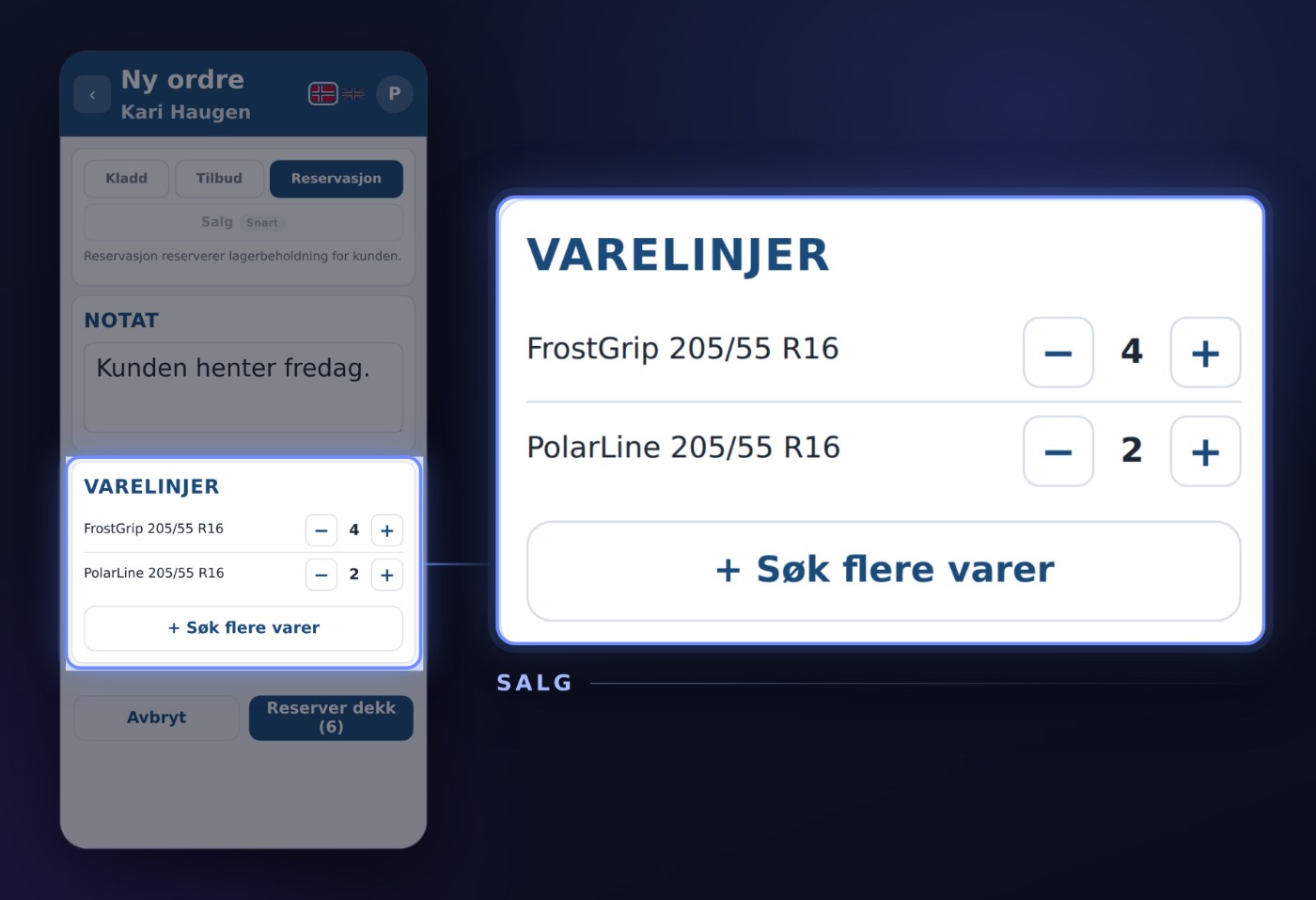
Tap an item in the results list, and it lands in the cart with a quantity of one. Need more of the same item? Adjust the quantity with + and − in the cart – with no limit to how many rounds of searching and adding it takes before the order is complete.
Add a note
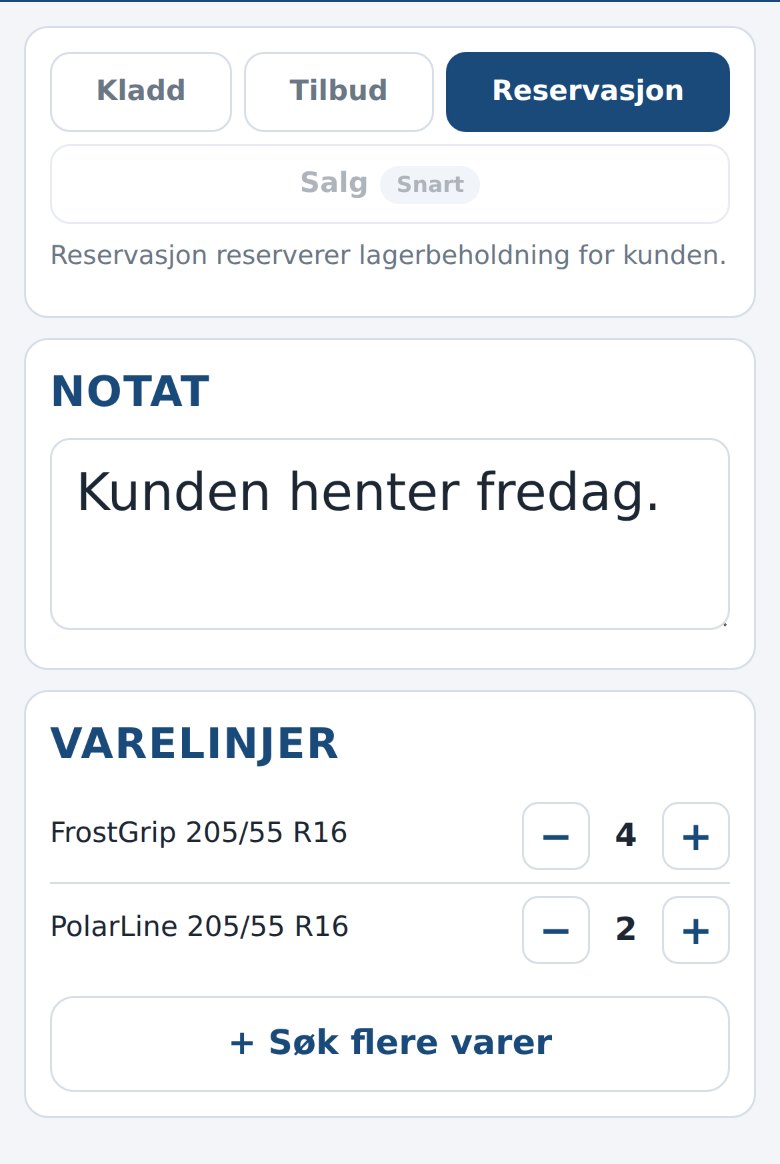
If there's something worth mentioning – a delivery arrangement, a special order, something the store should remember at pickup – write it straight into the order's note field. The note travels with the rest of the order into DekkPro.
Draft, quote or reservation
Before saving, you choose what the order should be: Draft for an order you'll continue later, Quote to send the customer a price offer, or Reservation to tie up the tires for the customer right away. Draft and quote don't touch stock levels; a reservation does, so the same tires can't also be sold to someone else in the meantime.
Straight into DekkPro
Once the order is saved, it goes straight into DekkPro with the customer, order lines and note in place – visible to everyone in the store right away, not just on the phone that created it. The store takes it from there at the till when the customer comes to pick up or pay.
Sales is part of Dekkpro Mobil. Read the introduction to Dekkpro Mobil, or see pricing and book a demo.