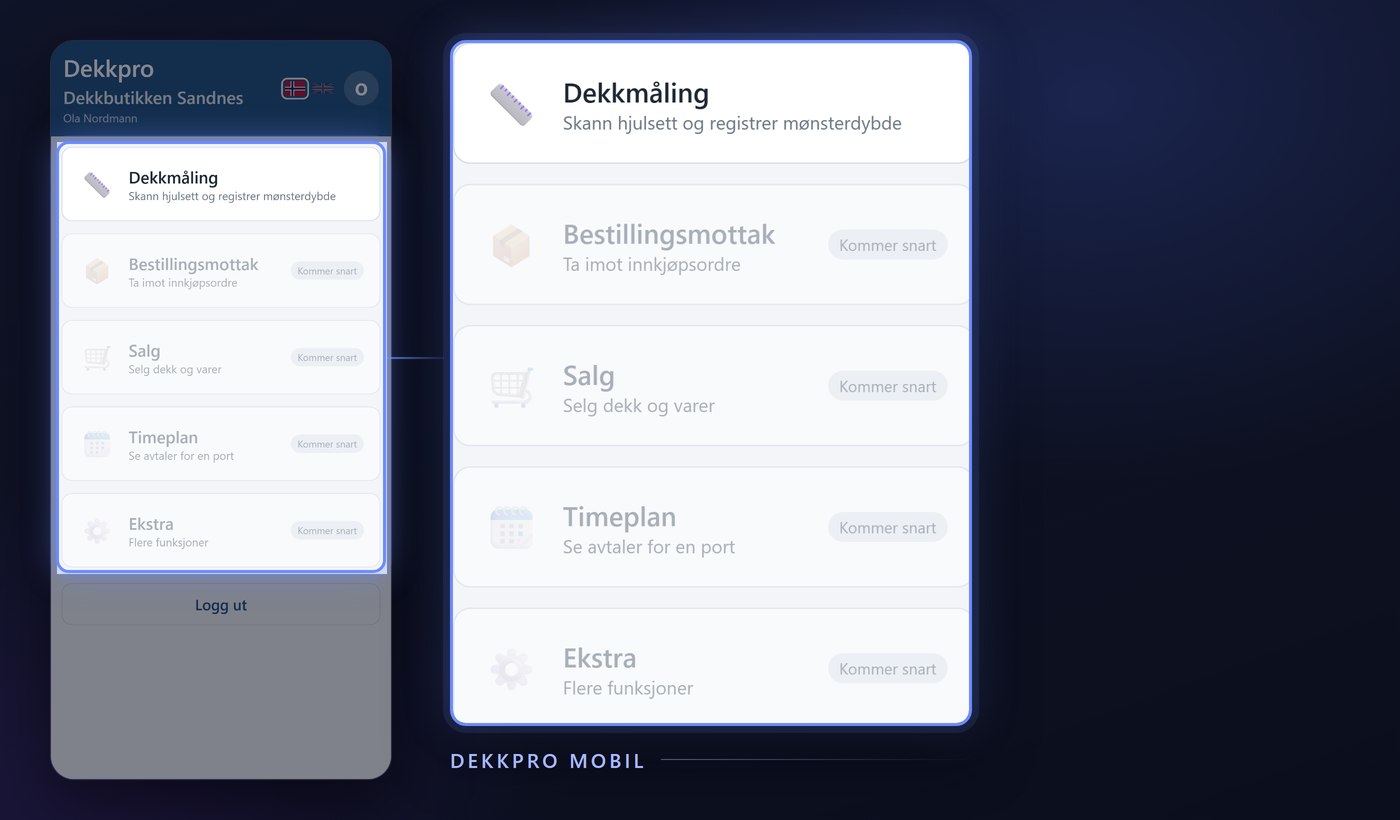
When a purchase order comes in on tires, it's the technician at receiving who counts it against what was actually ordered. Purchase order receiving in Dekkpro Mobil does the whole job on the phone: find the order, count it in line by line, and set where the goods are stored – no trip to a PC needed. Here is what the feature does.
Scan the barcode on the tire
Scan the barcode (EAN) on the tire's label, and the app finds the item automatically. If the item is on only one open purchase order, the app moves straight to it; if it's on several, you pick. If the camera won't read it – poor light, a dirty label – you type the item number or EAN in by hand instead.
Or search for the item
If there's no barcode at hand, use Manual registration instead. Search by category, brand and dimension among the items that are actually on an open purchase order – not the whole product catalogue – so you're left with a short, relevant list to pick from.
Pick the right purchase order
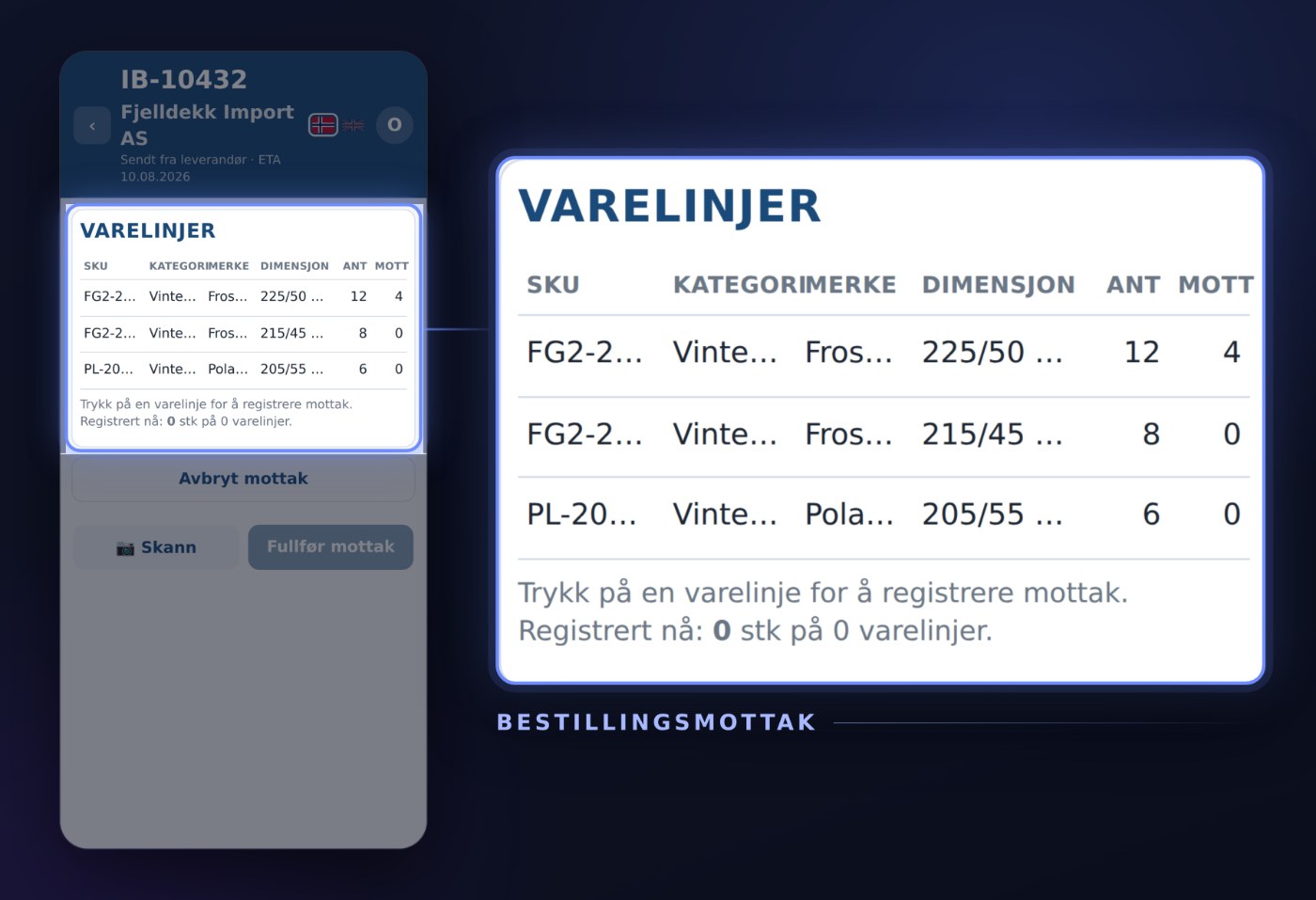
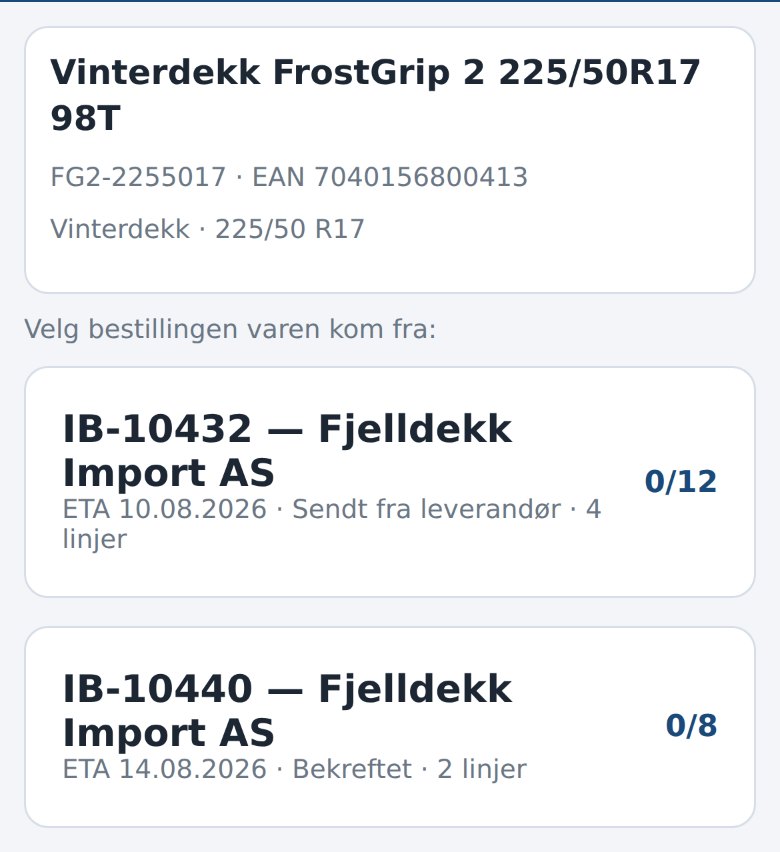
If the item is on more than one open purchase order, the app shows them all: order number, supplier, ETA and status, with the quantity received against the quantity ordered next to each. Pick the right one with a single tap, and the rest of the receiving is anchored to that order.
Count it in line by line
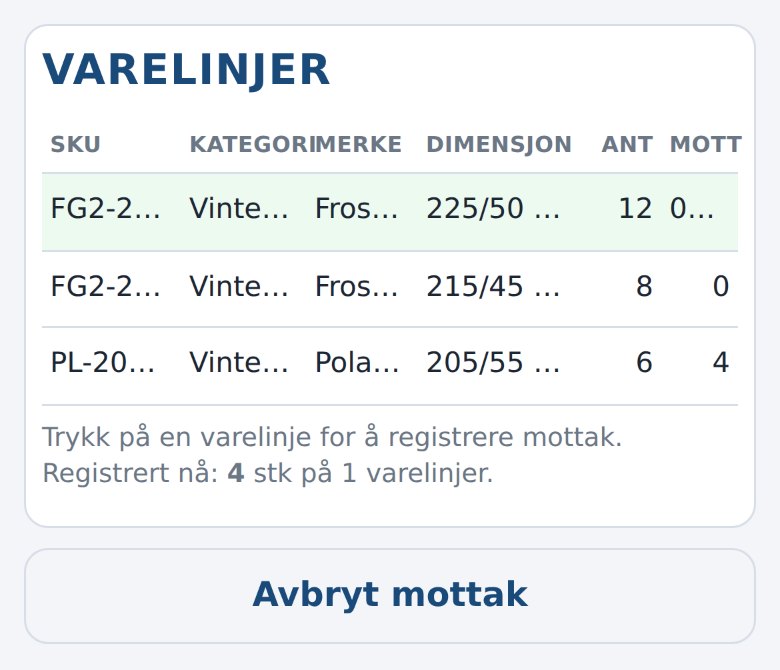
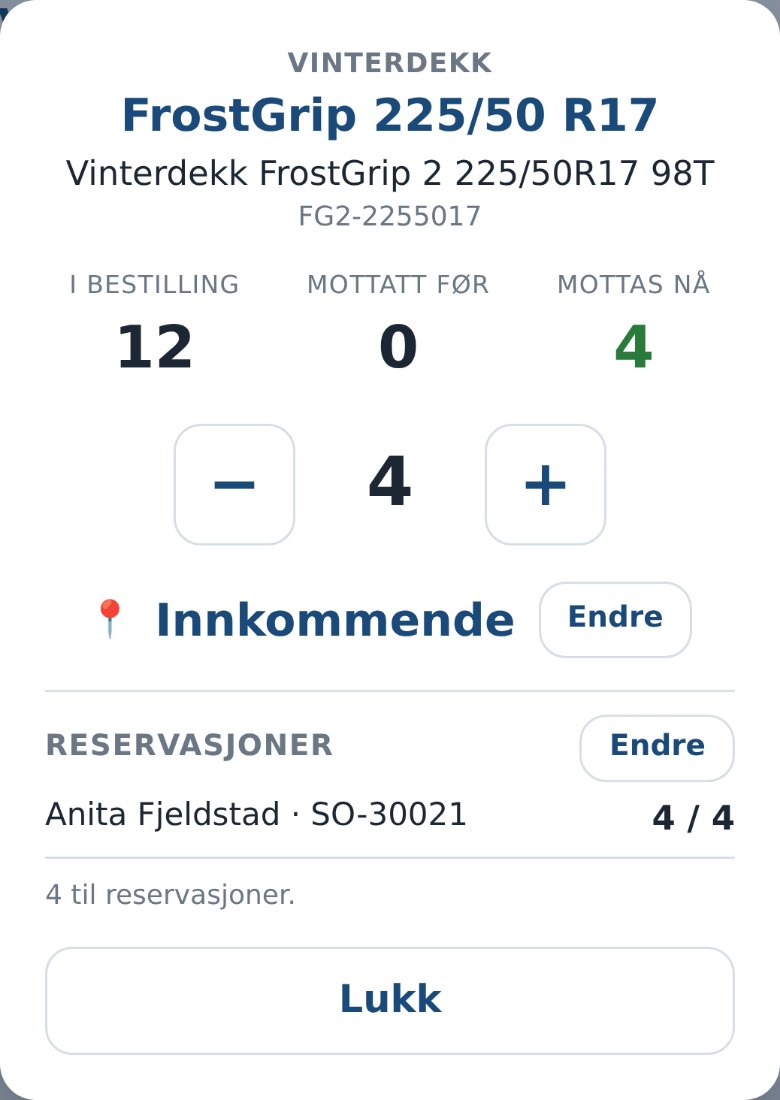
Every item on the order gets its own card: how many were ordered, how many were received before, and how many are being received now. Count with + and − as you physically count the tires off the pallet, or keep scanning the next tire straight into the same receiving session. If the count goes higher than what was actually ordered, the app asks whether you really want to register it anyway – instead of a mistap going unnoticed.
Reserved for a customer stays reserved for that customer
If some of the tires coming in are already reserved for a customer order, the product card shows it right away: the customer's name, the order number, and how many of the reserved tires this receiving covers. The reserved tires are booked to that customer instead of going to free stock – whatever's left over stays available in the shop. If the split the app suggests isn't right, you change it yourself before finishing.
Choose where the goods are placed
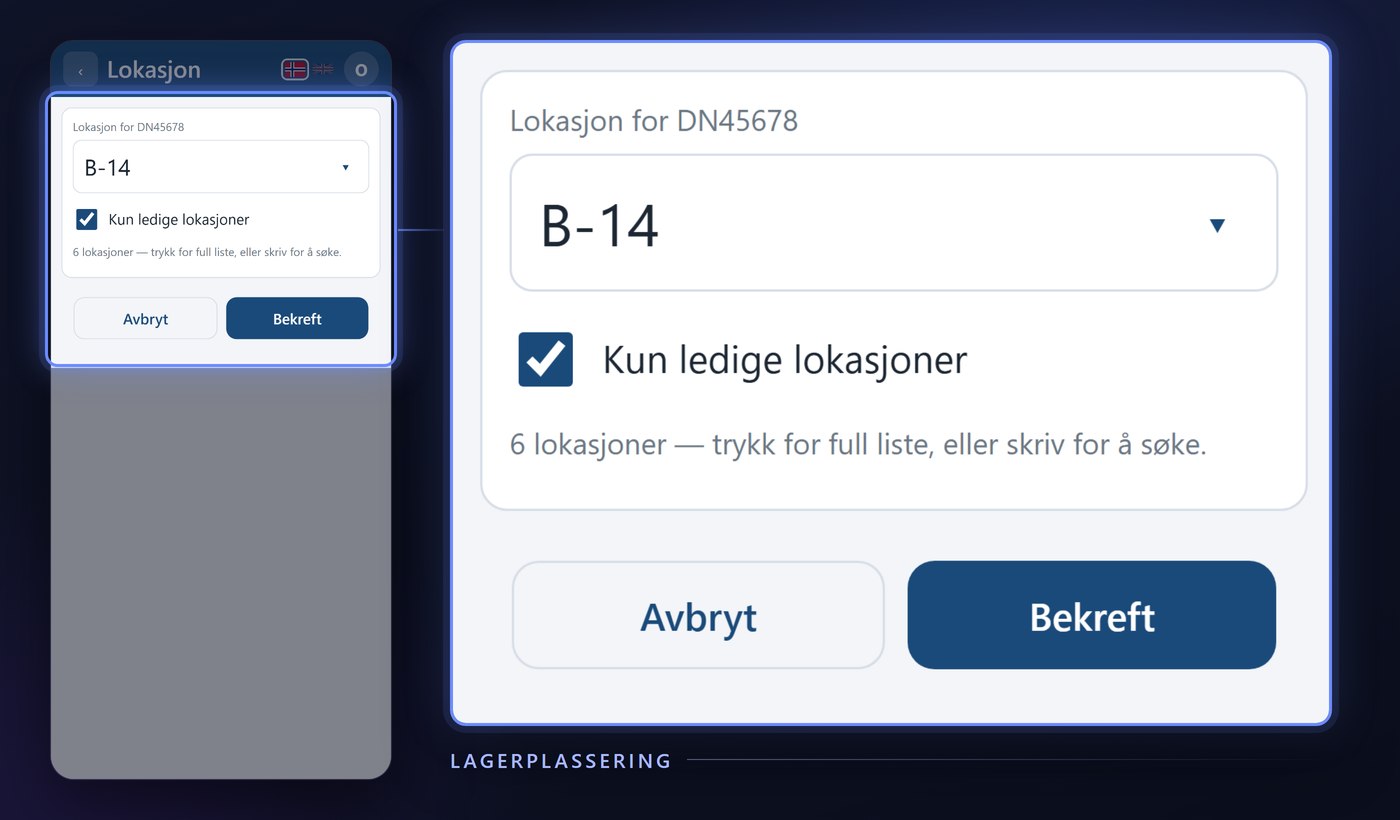
Every card has a location – suggested from the shop's default receiving spot, but searchable and editable with a single tap if the goods should go straight to a different shelf or out to the tire hotel. Different items on the same receiving session can get different placements, with nothing to remember afterwards.
Finish receiving, straight into DekkPro
Once everything that physically came in is counted, you tap Finish receiving. The order is booked immediately: stock goes up, the reservations are covered, and the order shows the right received quantity the next time anyone opens it – in the app or on the shop's screen.
Purchase order receiving is part of Dekkpro Mobil. Read the introduction to Dekkpro Mobil, or see pricing and book a demo.