Contact details go stale fast when it's the store's job to remember to ask and type them in. Personinfo QR under Ekstra in Dekkpro Mobil turns the process around: the store orders a QR poster from the phone, the customer fills in their own details on their own phone, and the result lands straight in DekkPro without anyone at the store typing a single character. Here is what the feature does.
Order the poster from the app
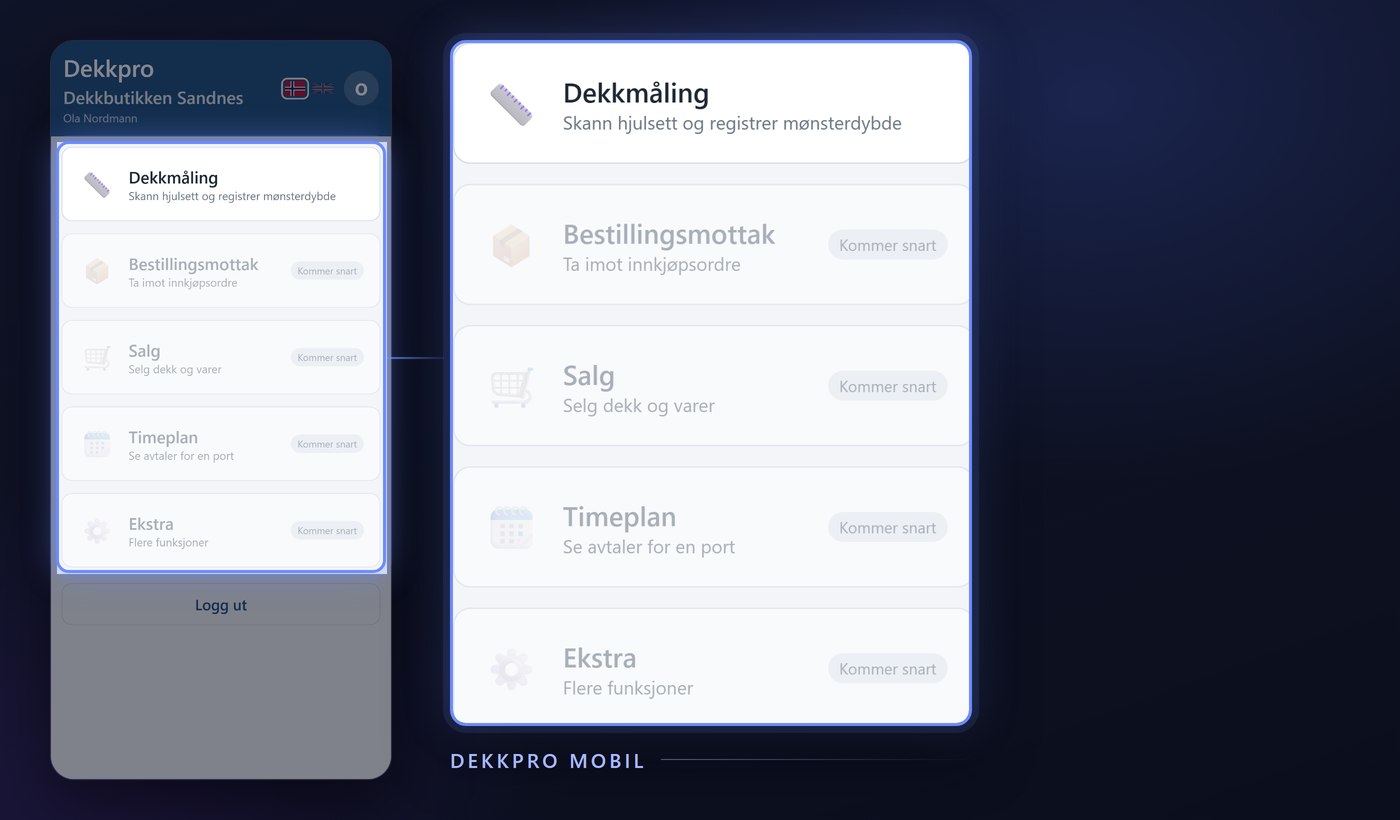
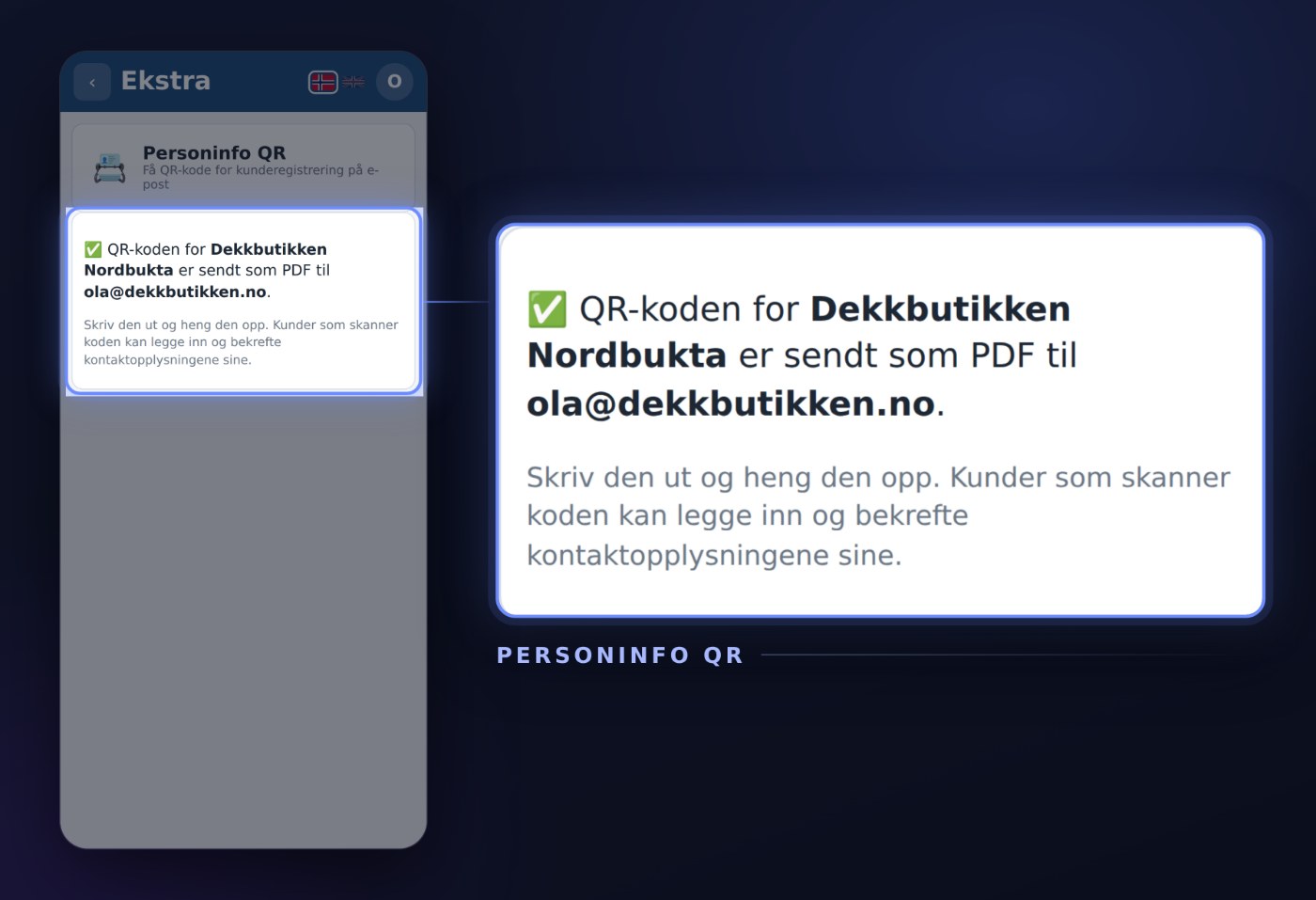
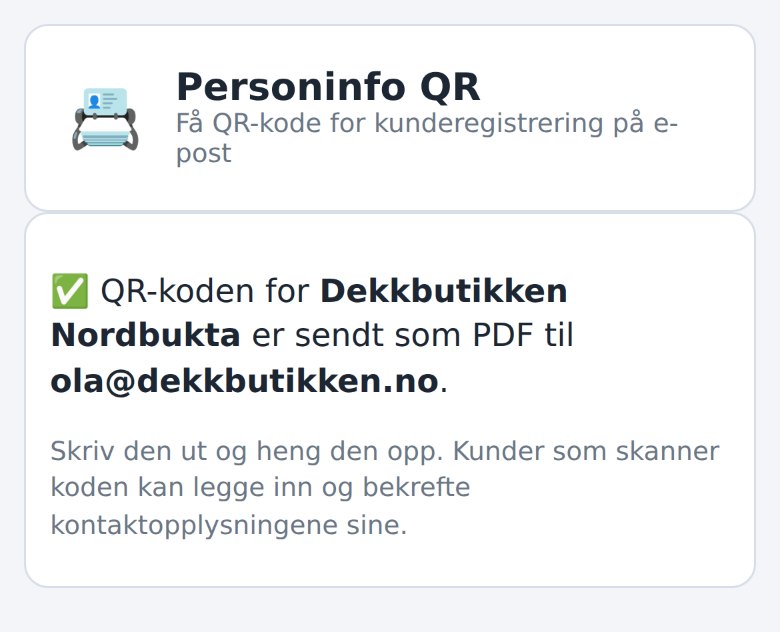
Under Ekstra in the app sits the Personinfo QR button. One tap, and the store gets a ready-made poster mailed over as a PDF – with a large QR code and a short set of steps for the customer. Print it and hang it up by the till or in the waiting area, ready to be scanned.
The customer scans and types their number
The customer scans the code with their phone camera and lands on a simple page where the only thing to fill in is their mobile number. Nothing the store already has on file shows up here yet – the page doesn't yet know whether the number actually belongs to whoever is typing it in.
The SMS is the proof
The moment the mobile number is submitted, an SMS goes out to that exact number with a link. The link is the actual proof that the number belongs to the customer, and it's strictly personal: it's valid for 24 hours and can only be used once. If the same customer scans the code again later, a new link goes out – the previous one is dead from that moment on.
The customer fills in from their own phone
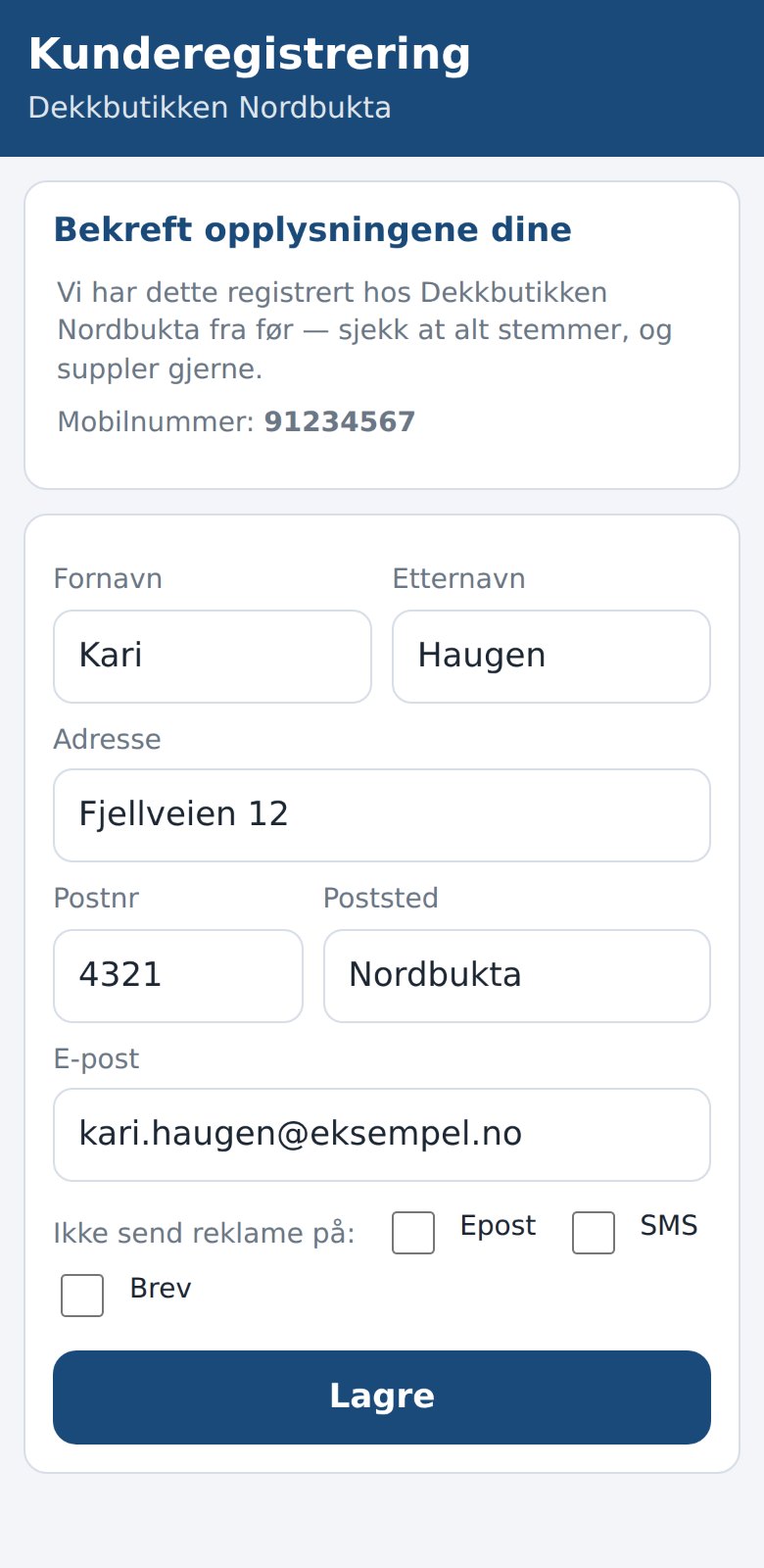
Only once the customer opens the link from the SMS does anything show up: if the person is already registered with the store, name, address and email are already filled in, ready to check or correct. If the customer is new, the form is blank. Either way, the customer fills it in themselves – first name, last name, address, zip code, city and email – from their own phone, with no one at the store involved.
Consent per channel
Below the fields, the customer can tick off if they don't want marketing by Email, SMS or Post – three separate choices, one per channel. This only covers marketing; it doesn't affect SMS notices about tire-hotel status or appointment reminders, which don't count as marketing.
One tap saves everything
The customer taps Save, and that single tap both confirms and saves the details in one operation – there's no separate confirmation step afterward. The contact details and the consent choices land straight in the customer record in DekkPro, ready for the store the next time the customer calls or comes in, without anyone there having typed a single character.
Personinfo QR is part of Dekkpro Mobil. Read the introduction to Dekkpro Mobil, or see pricing and book a demo.