A photo of the wheelset says more than a note in the margin. Photos in Dekkpro Mobil let the technician take or upload pictures of the wheelset straight from the phone – several at once – and they land in the same place the shop already knows from DekkPro. Here is what the feature does.
Snap a photo or upload one
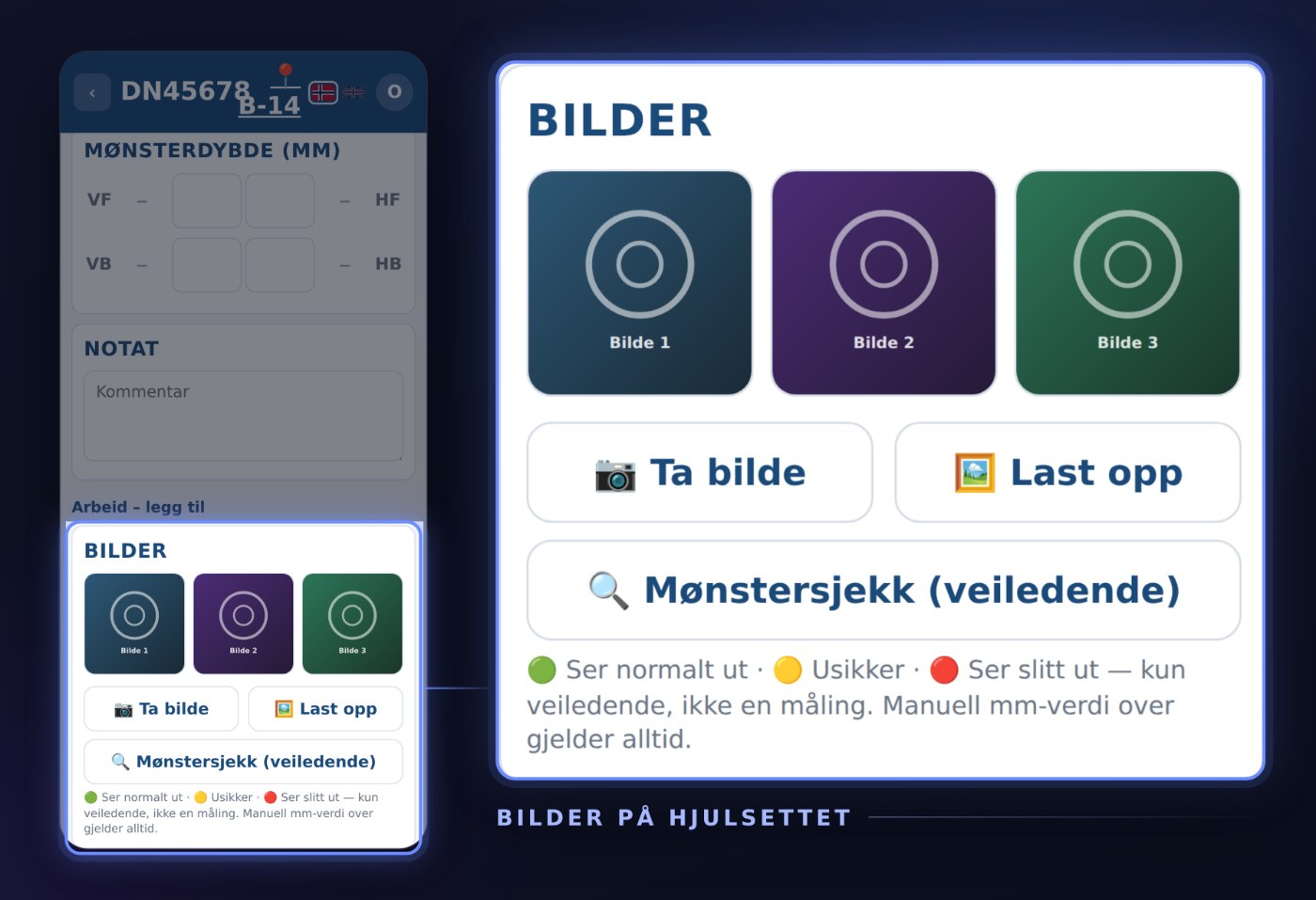
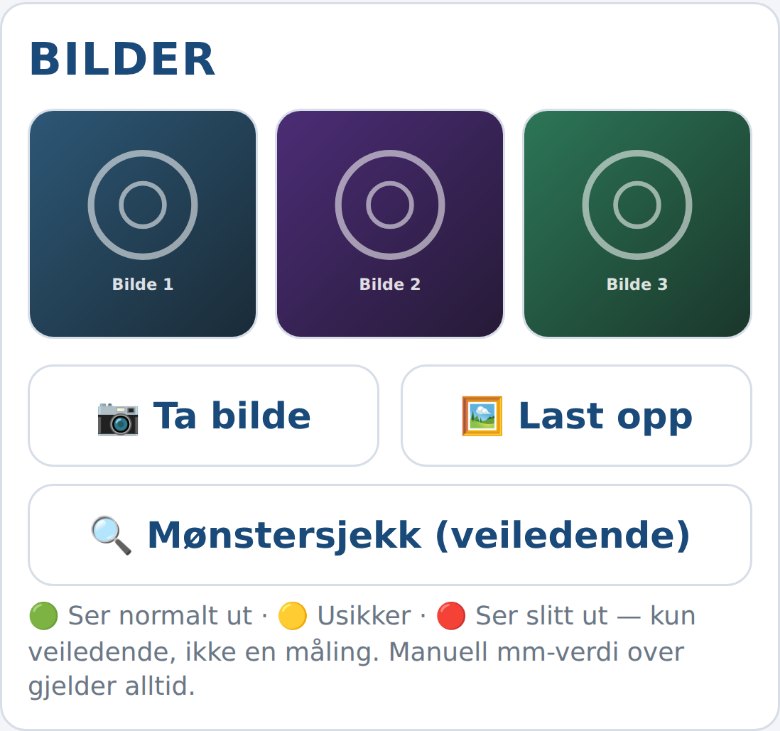
The wheelset page has a Photos card with two buttons. Take photo opens the phone's camera directly, Upload opens the photo library or files on the phone instead. Either way, the photo lands on the wheelset the technician already has open – no risk of uploading to the wrong customer.
Several photos at once
When uploading, the technician can pick several photos in one go – all four tires from the same walk around the car, for example. Each photo gets its own tile in the grid immediately, with a small status while it uploads in the background, so the technician can keep shooting without waiting for the last one.
Fast upload, even on poor coverage
The photo is downscaled and compressed on the phone before it is sent, so the upload stays quick even on mobile data out in the workshop. If something goes wrong along the way, the tile gets a try-again marker, and the technician taps to send it again.
Full screen and deleting
Tap a photo to open it full screen. From there the technician can delete it again, with a confirmation first – handy if a photo was of the wrong tire or simply didn't come out.
The same photos as in DekkPro
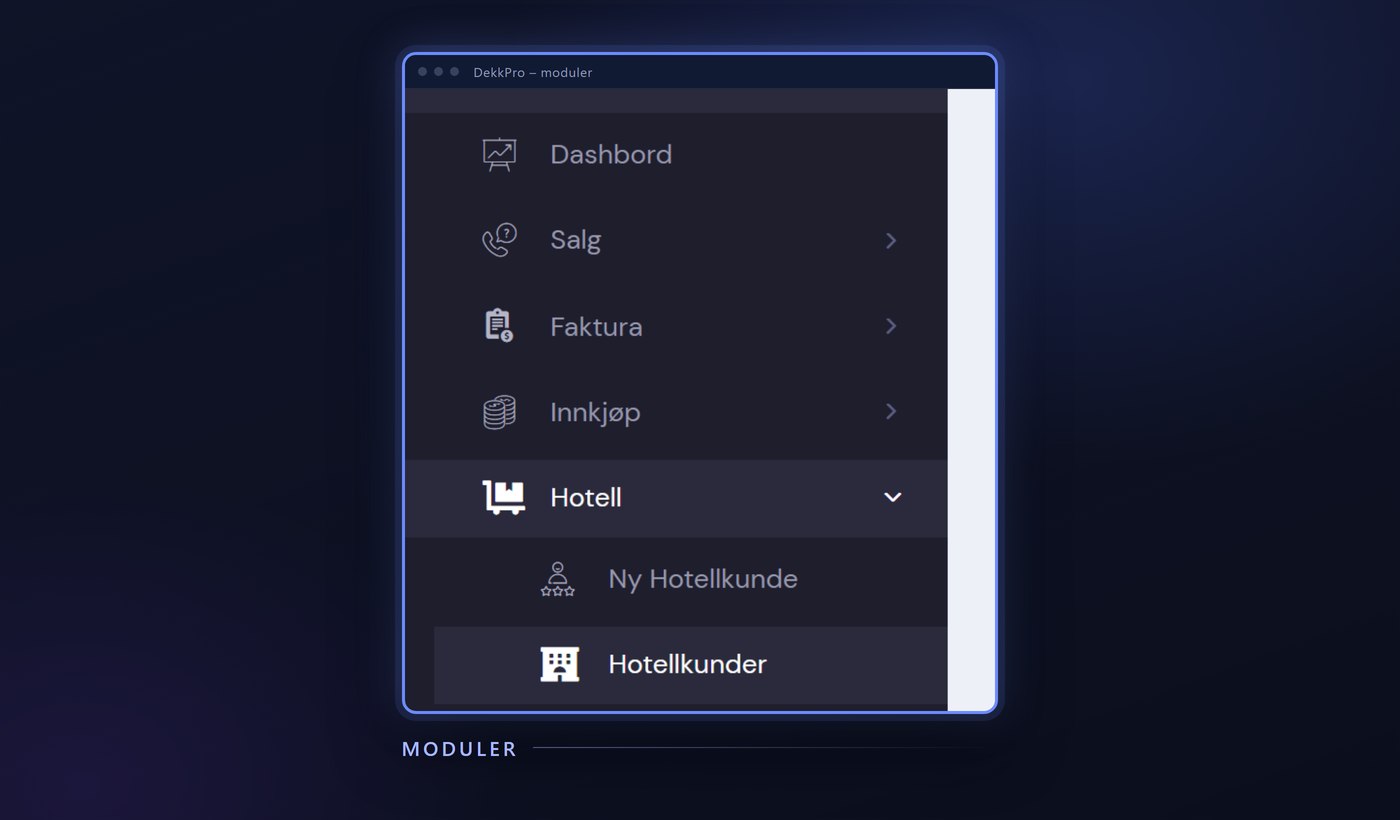
The photos land straight on the wheelset, and are the same ones staff see when they open the wheelset in DekkPro on the shop's screen. Add a photo – or delete one – on the phone, and the change follows straight into the wheelset's history in DekkPro.
The shop controls the feature
Photos is something the shop switches on itself. If it is not enabled, the card doesn't show on the wheelset page at all – shops that want photo documentation on the tire hotel get it, without getting in the way of those who don't use it.
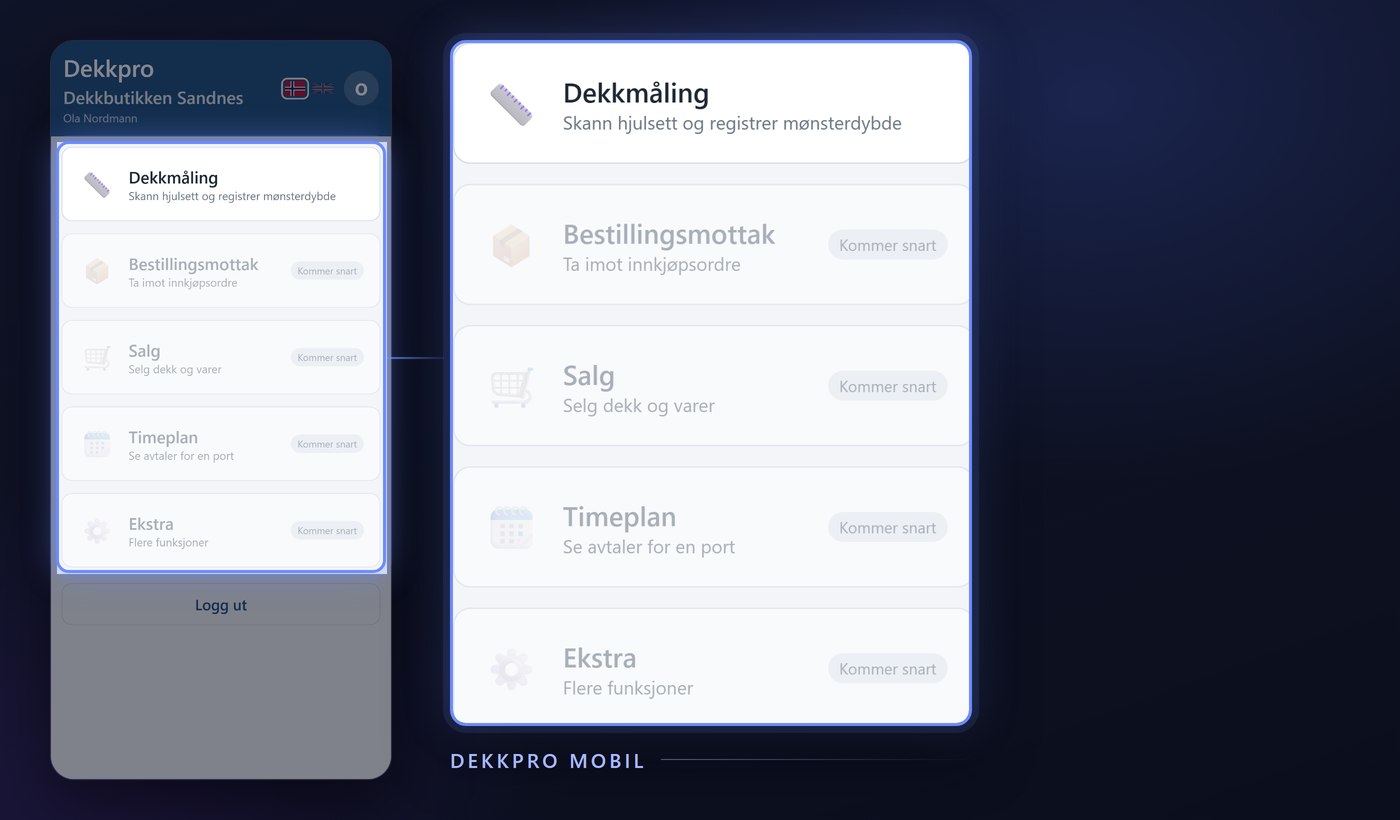
Photos is part of Dekkpro Mobil. Read the introduction to Dekkpro Mobil, or see pricing and book a demo.